
Security & privacy
Your data, yours. Key changes logged.
Tenancy
Each organization. Its own data.
Separate databases
A tenant database per organization.
Filtered queries
An organization filter on every query as well.
Tested for leaks
Automated tests check that a user from another organization, holding every policy, sees nothing.
Scoped search
Retrieval is limited to the files YouPace resolved for that person in that organization.
Your settings
Scale, evidence rules, AI policy, public links and course workflow are all per organization.
Access
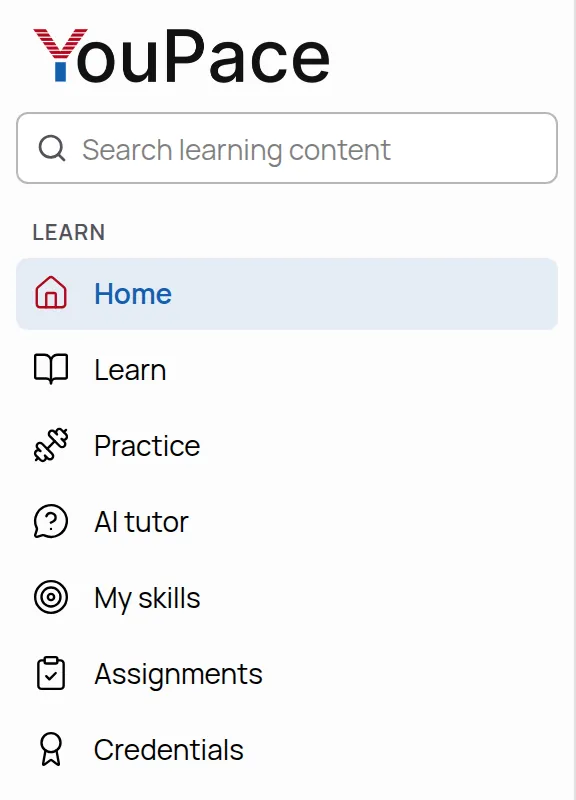
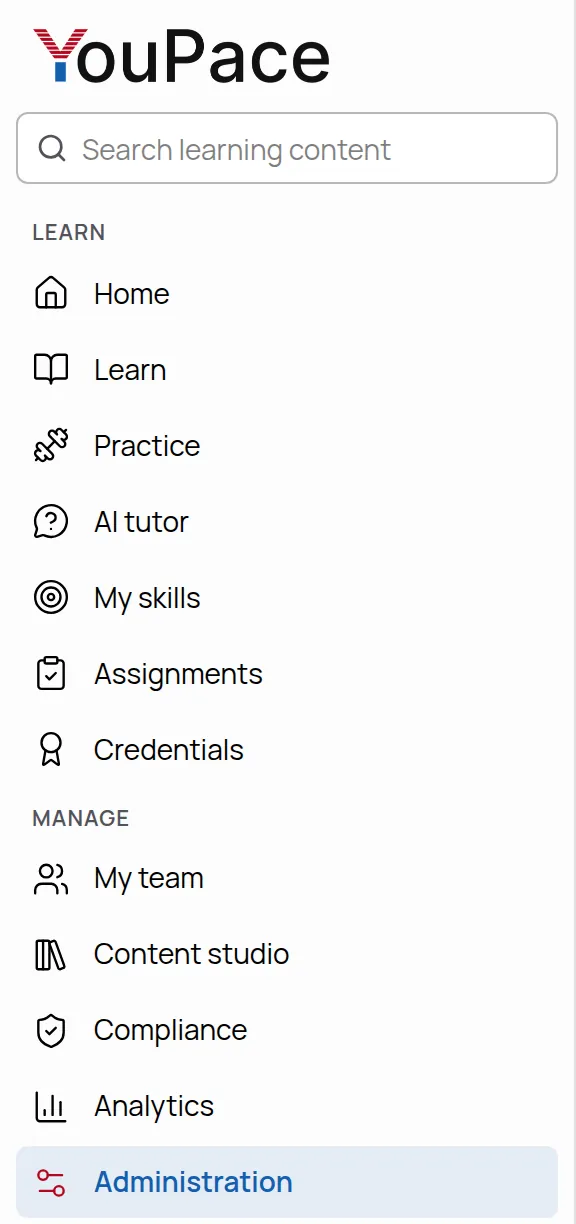
Five policies. Menus that match them.
| Policy | Code | Adds |
|---|---|---|
| Learn | YPC_LEARN_VIEW | Home, Learn, Practice, AI tutor, My skills, Assignments, Credentials |
| Team management | YPC_TEAM_MGMT | My team |
| Content management | YPC_CONTENT_MGMT | Content studio |
| Compliance view | YPC_COMPLIANCE_VIEW | Compliance, Analytics |
| Administration | YPC_ADMIN_MGMT | Administration |
Files and rights
Every file scanned. Every use permitted.
- Every upload is stored by the Optimoz asset service and scanned for viruses
- Four permitted uses per item: display (on by default), AI indexing, AI generation and download (off until someone allows them)
- Expired rights permit nothing
- The tutor and search use only content that permits AI indexing
- The download button appears only when download is permitted
- Audiences by role, department and location
- Publishing is blocked without display rights
The four permitted uses on every item
- DisplayOn by default
- AI indexingOff until someone allows it
- AI generationOff until someone allows it
- DownloadOff until someone allows it
Expired rights permit nothing.
Records
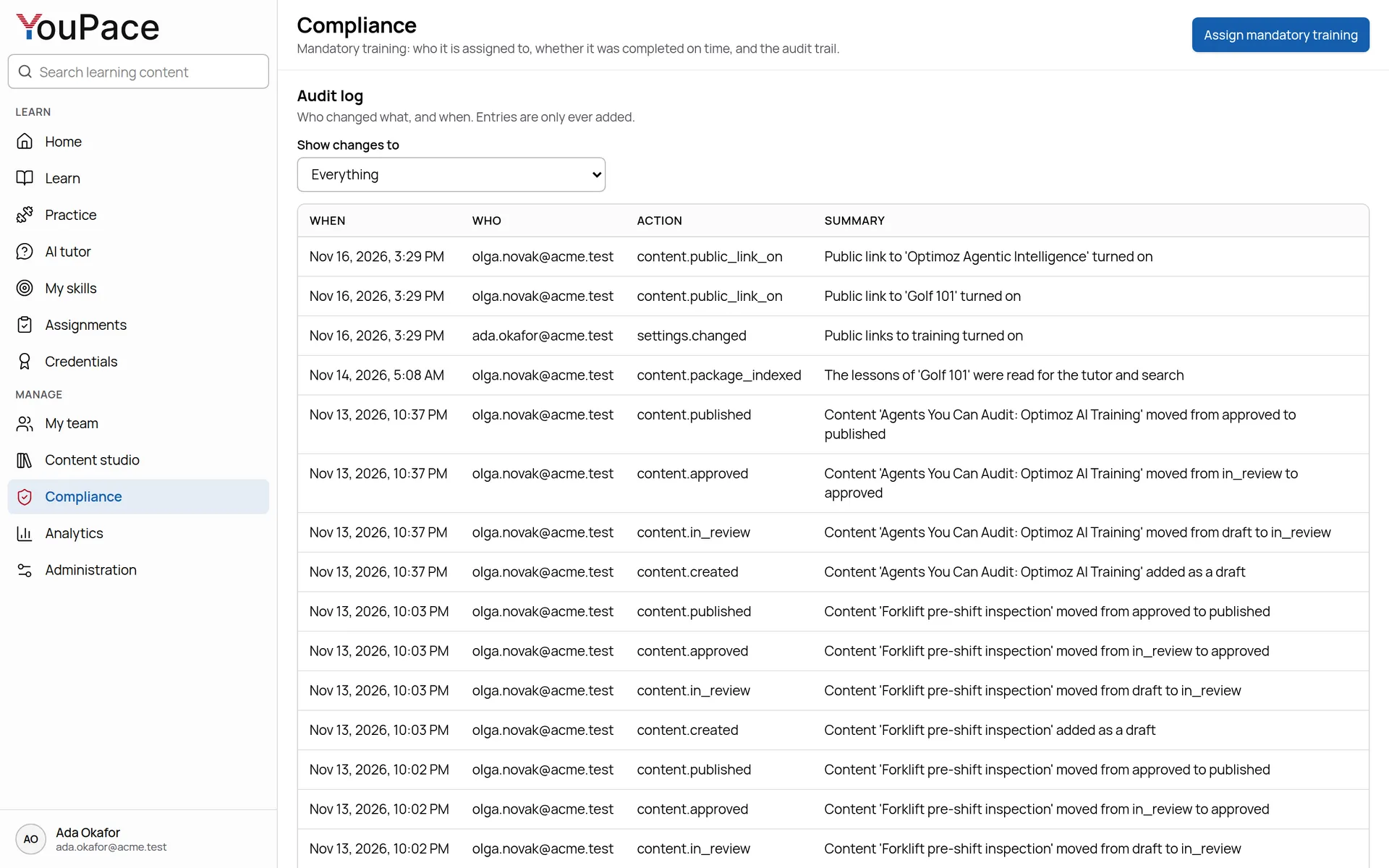
Added to. Never edited.
- Content moves and versions, publishing, AI settings with before and after, results, evidence reviews and disputes, skill imports and merges, assignments, public links and exports
- Filter by entity, action, actor and date
- CSV exports with spreadsheet-safe cells, each one audited
Learner privacy
People can see what’s held about them.
- Download everything as one JSON file: profile, evidence, assignments, attempts, credentials, conversations and learning records
- See all evidence about yourself, and dispute it
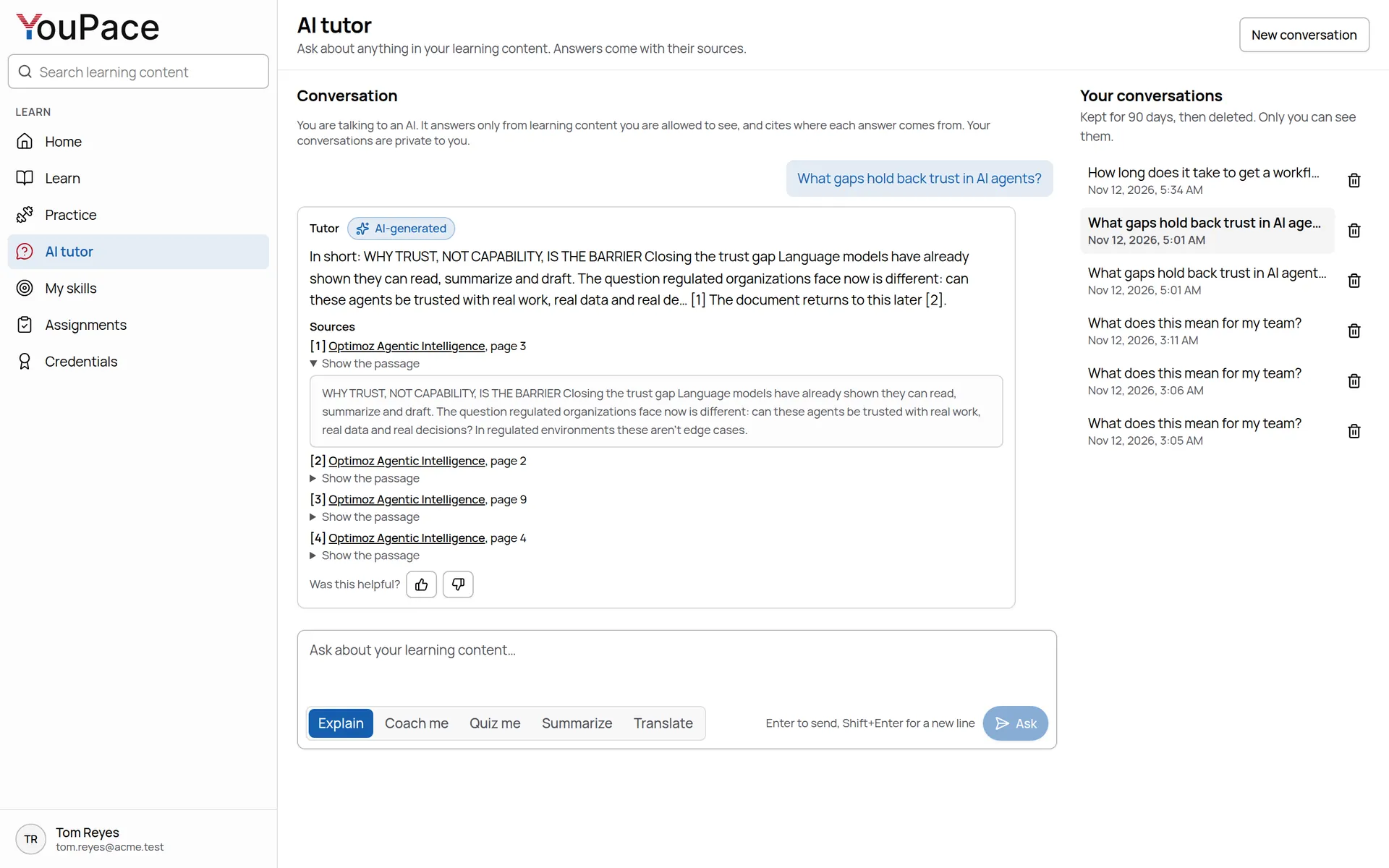
- Tutor conversations are private, kept for your set period, and deletable sooner
- Managers see development data for their own reports only
- Analytics, content gaps and flagged replies carry no names
- Badges identify the holder by a salted hash, not their email
Public links
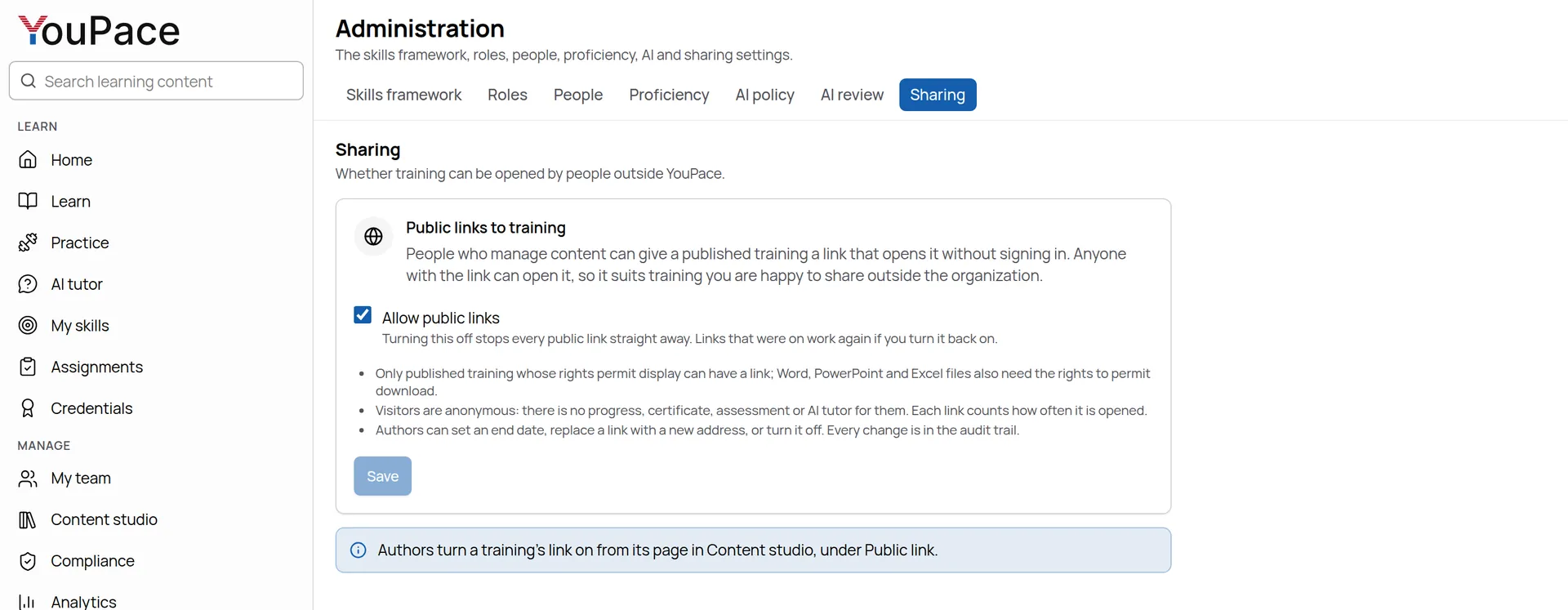
Public links, on your terms.
- Off by default; an administrator allows them for the organization
- Optional end dates, and a new address at any time
- Same rules as inside: published, with rights that permit display
- The link’s token travels after the #, so it never reaches server logs or other sites
- Public pages are sent noindex and no-referrer
- The gateway rate-limits public calls
- One switch stops every link
Built for everyone.
Designed and built to WCAG 2.2 AA and Section 508 rules.
YouPace is a service of Optimoz, Inc. For Optimoz’s company-level security practices, see Optimoz Security Practices (opens in a new tab)
FAQ
Security questions, answered.
How do people sign in?
Through Optimoz ICAM, the Optimoz platform’s identity service. YouPace doesn’t run a sign-in of its own.
Where are files stored?
In the Optimoz asset service, which scans every upload for viruses. Files go straight from the browser to the asset service.
Can one organization see another’s data?
YouPace is built so it can’t: each organization has its own tenant database, every query is filtered by organization, and tests check that another organization holding every policy sees nothing.
Can audit entries be changed?
Not through YouPace. The service and its API have no update or delete for audit entries or learning records.
What do SCORM and cmi5 packages run?
Courses are web content, and their scripts run inside YouPace. That’s why only content managers can upload packages, and every package goes through review before learners see it. A cmi5 lesson gets a token that works once, only for its own learner and session, and only for that lesson’s records.
Can learners get their data?
Yes: everything held about them, as one JSON file.
Bring security in. We’ll show you.
Walk through tenancy, access, rights and records with the Optimoz team.