
Roles
One platform. Six points of view.
Learners
Know what to learn next. Prove you’ve learned it.
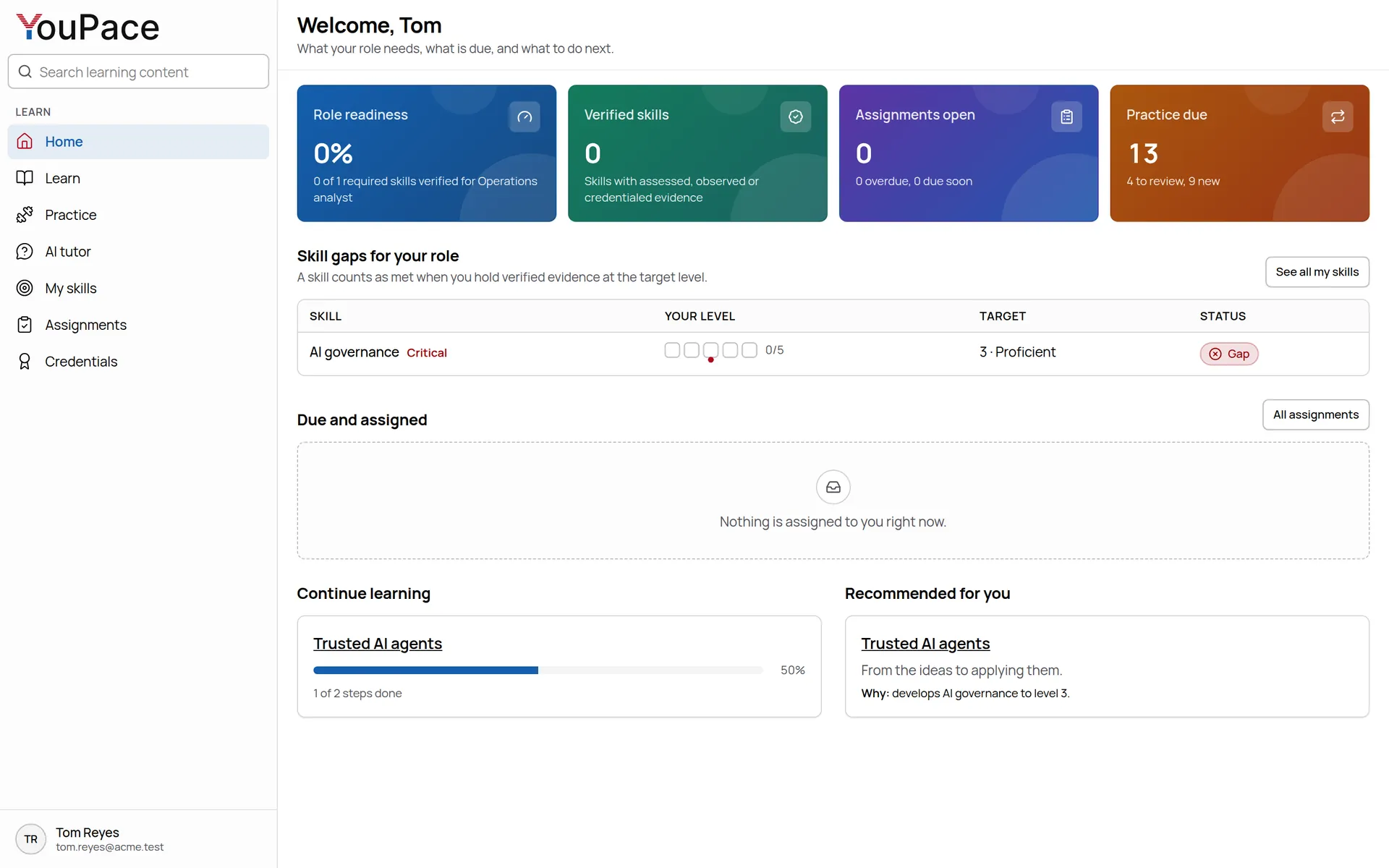
Every learner sees the gaps against their role, what’s due, and pathways recommended with a reason.
What they do in YouPace
- A Home that explains itself: gaps, overdue first, the reason behind every recommendation
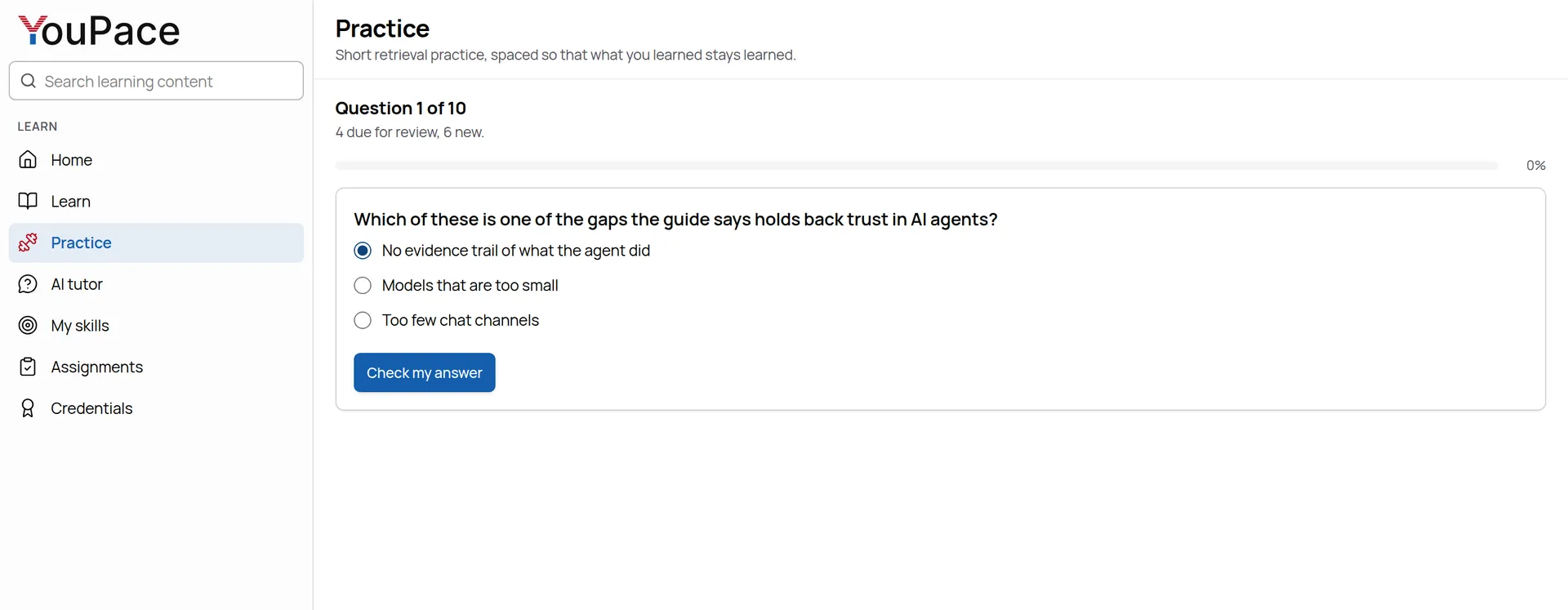
- Study, watch and play, with progress kept
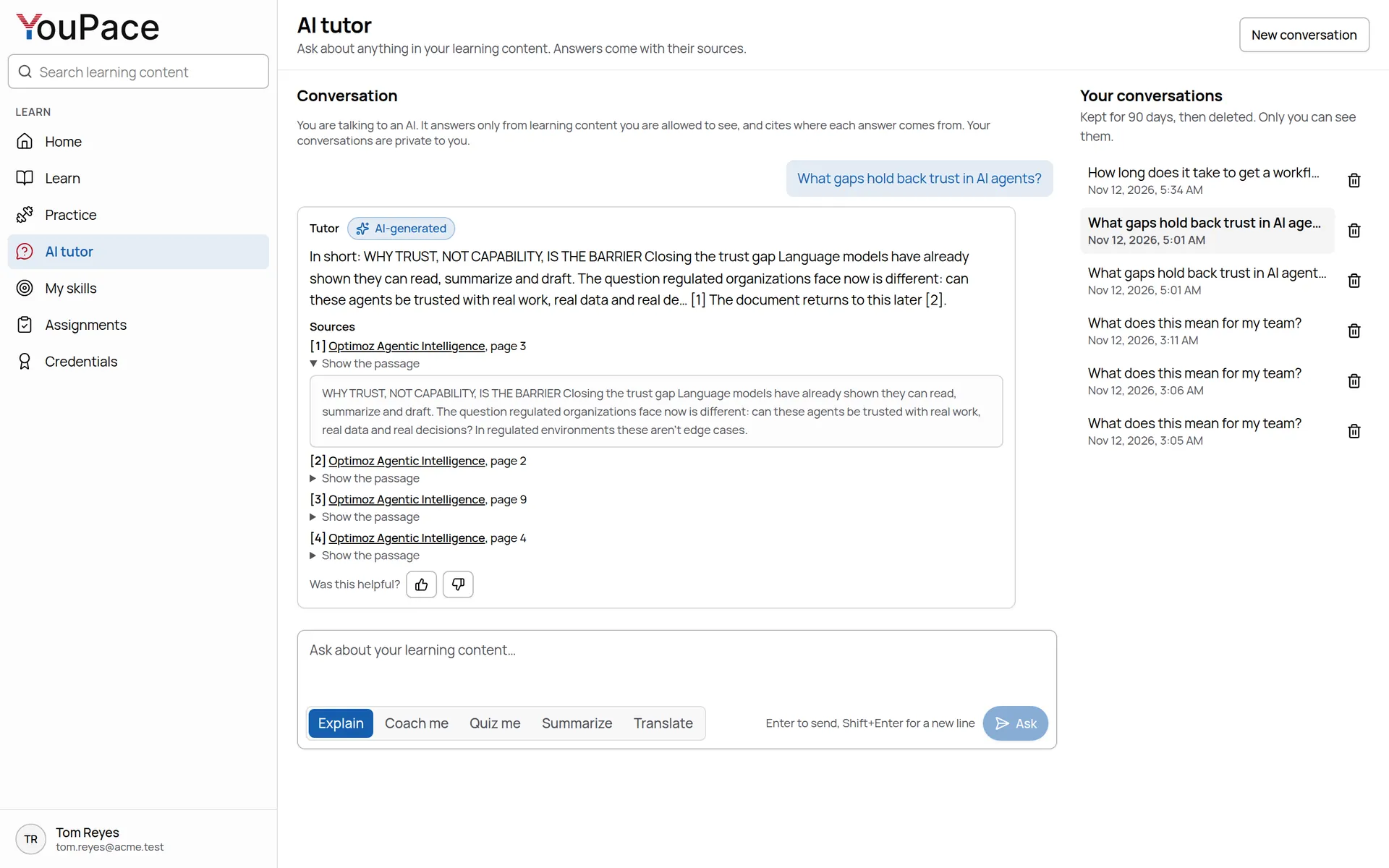
- Ask the tutor about a page, a selection or a dragged area
- See the evidence behind every level, and dispute it
- Submit evidence from real work for sign-off
- Sign policy acknowledgements by typed name
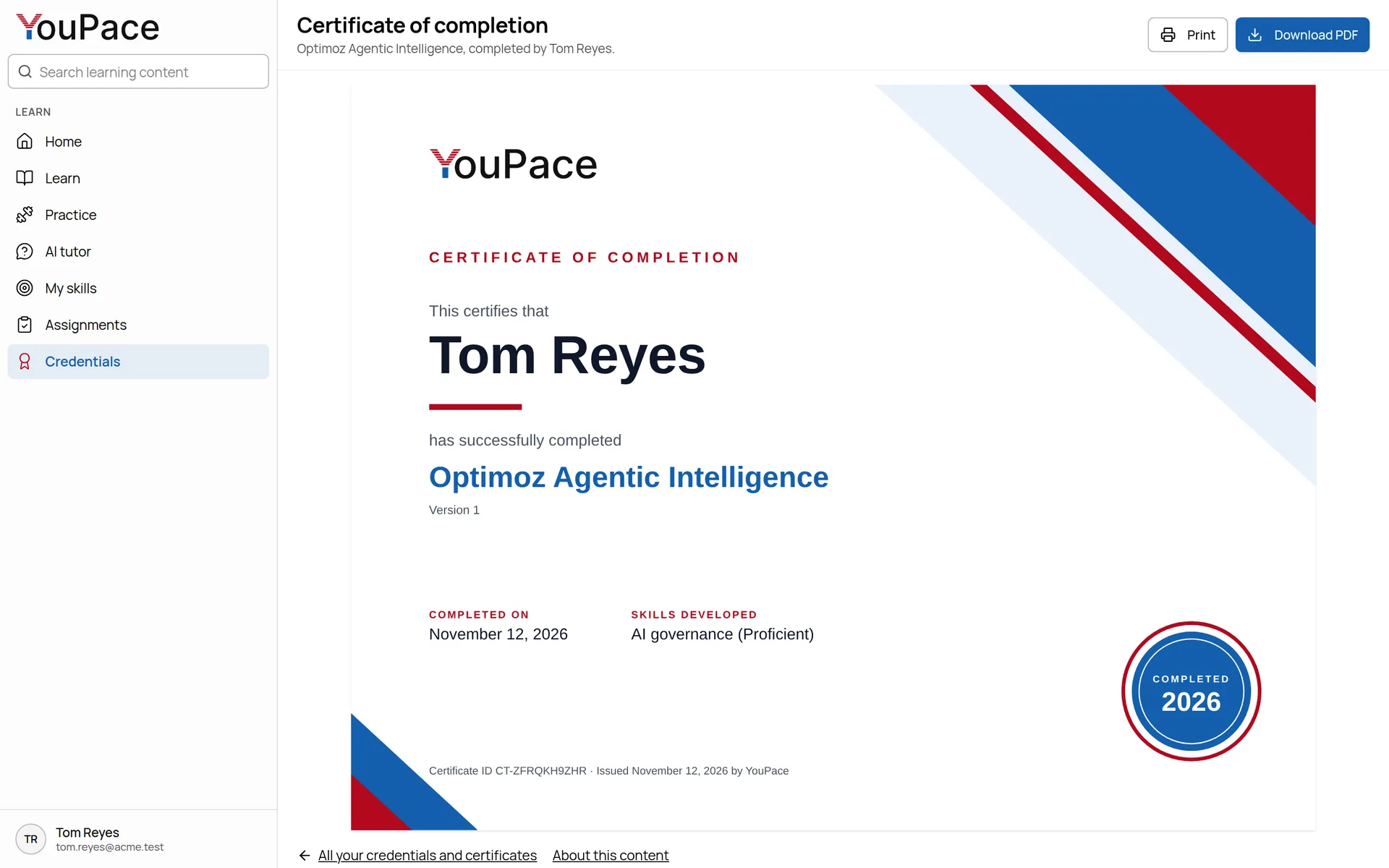
- Claim a credential when its rule is met
- Download everything held about you as one file
People managers
See the team’s skills. Not their chats.
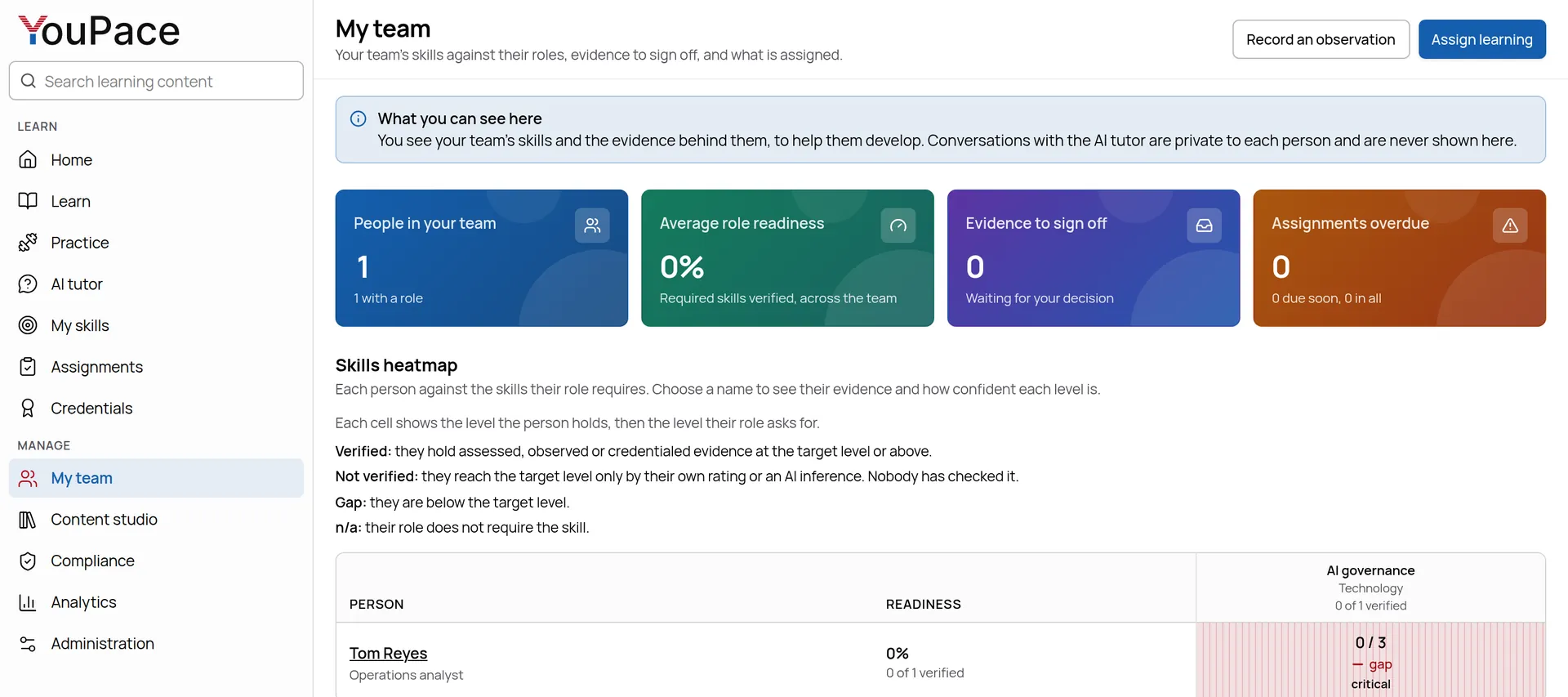
Managers see each report against their role’s required skills, sign off evidence from real work, and assign learning with due dates.
What they do in YouPace
- A heatmap with level and status printed in every cell
- Sign off evidence, at a different level if needed
- Record observations as verified evidence
- Assign pathways, assessments, content, policies or tasks
- Read reports’ certificates and attempts
- No way to read anyone’s tutor conversations
A requirement is met only with verified evidence at the target level.
Select a cell to change its evidence: none, self-assessed at target (claimed), assessed at target, or observed below target. Readiness counts only verified skills.
- Verified: they hold assessed, observed or credentialed evidence at the target level or above.
- Claimed: they reach the target level only by their own rating. Nobody has verified it yet.
- Gap: they are below the target level.
Illustration of a YouPace rule. People and skills are examples.
| Person | Hazard identification | Lockout tagout | Root cause analysis | Readiness |
|---|---|---|---|---|
| Person A | 2 of 3 verified | |||
| Person B | 1 of 3 verified | |||
| Person C | 3 of 3 verified |
Content owners and learning designers
AI does the first draft. You publish the final one.
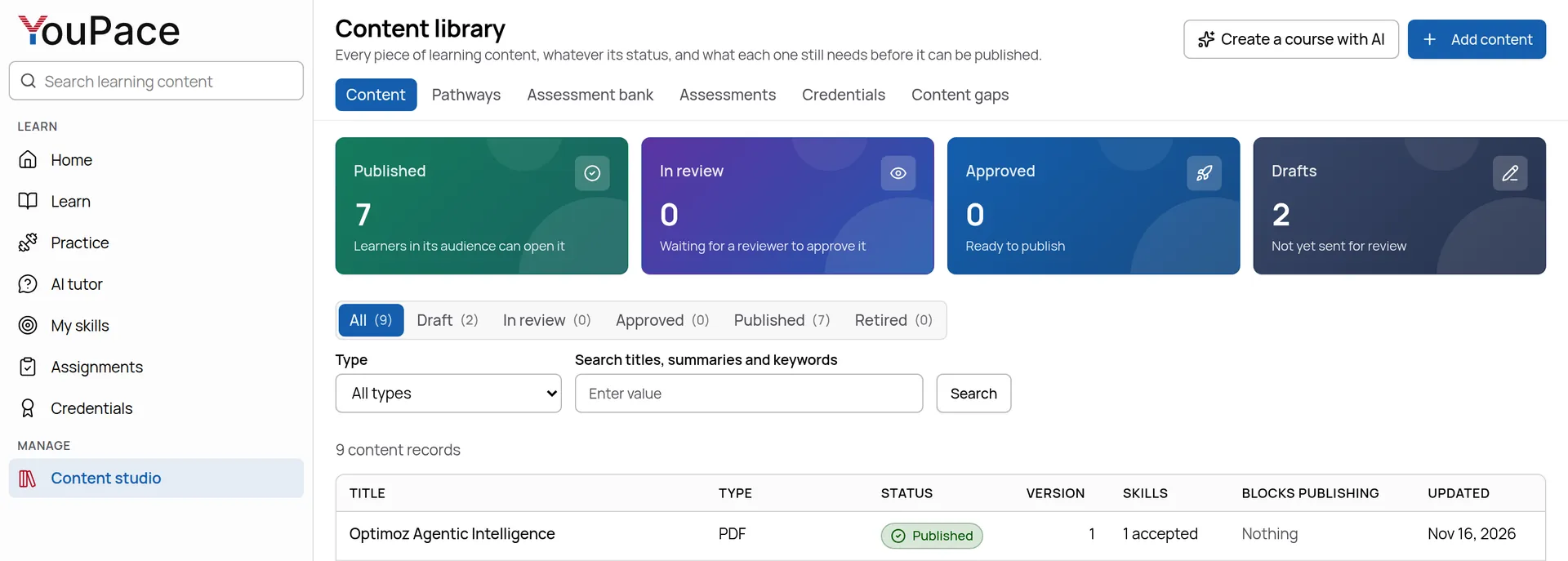
Add files or links with their rights and audience, let AI propose the details and skill mappings, and publish through review.
What they do in YouPace
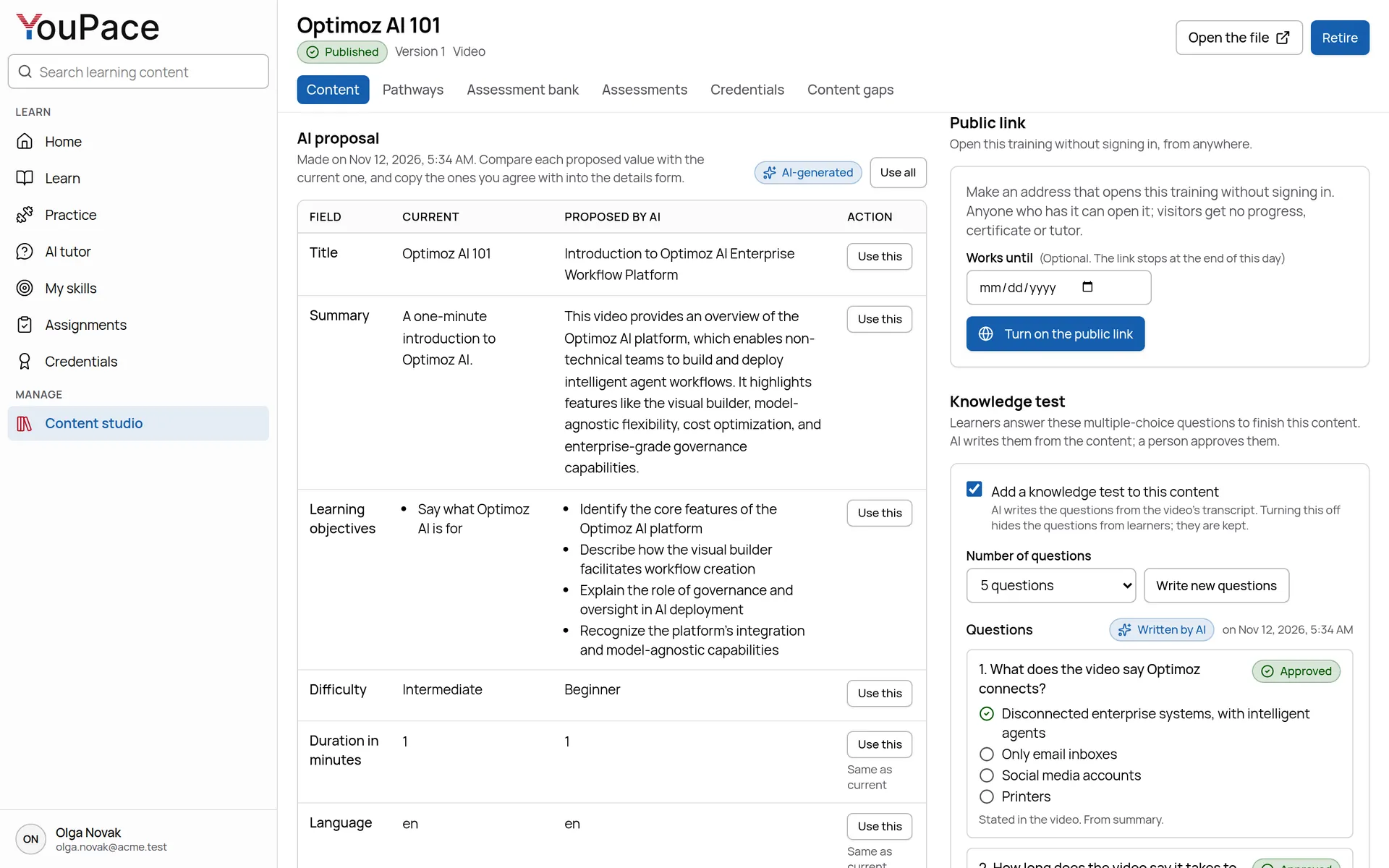
- AI proposals with confidence and a reason
- Publishing waits for an accepted skill mapping
- Transcribe video and audio with AI
- Build a SCORM or cmi5 course from your own material
- Edit SCORM packages without the original tool
- Knowledge tests, an assessment bank, and AI-written items you approve
- Pathway drafts assembled by AI, published by you
- See what the tutor couldn’t answer
Reading alone is not a pathway.
Add steps, reorder them with the buttons and try to publish. In YouPace, a pathway can’t be published without at least one assessment or on-the-job task.
Illustration of a YouPace rule.
Sample pathway steps2 steps
- Step 1: Content stepSomething to read, watch or play
- Step 2: Content stepSomething to read, watch or play
A pathway needs a practice or proof step: add an assessment or an on-the-job task.
Compliance officers, auditors and L&D leads
Mandatory training. With the proof attached.
Assign by rule, see who completed on time and on which version, and export the trail when an auditor asks.
What they do in YouPace
- Rules by role, department, location and hire date
- Recurrence after completion
- Typed-name attestations
- Filters by reason, item, status and period
- CSV export, with every export audited
- An audit log filterable by entity, action, actor and date
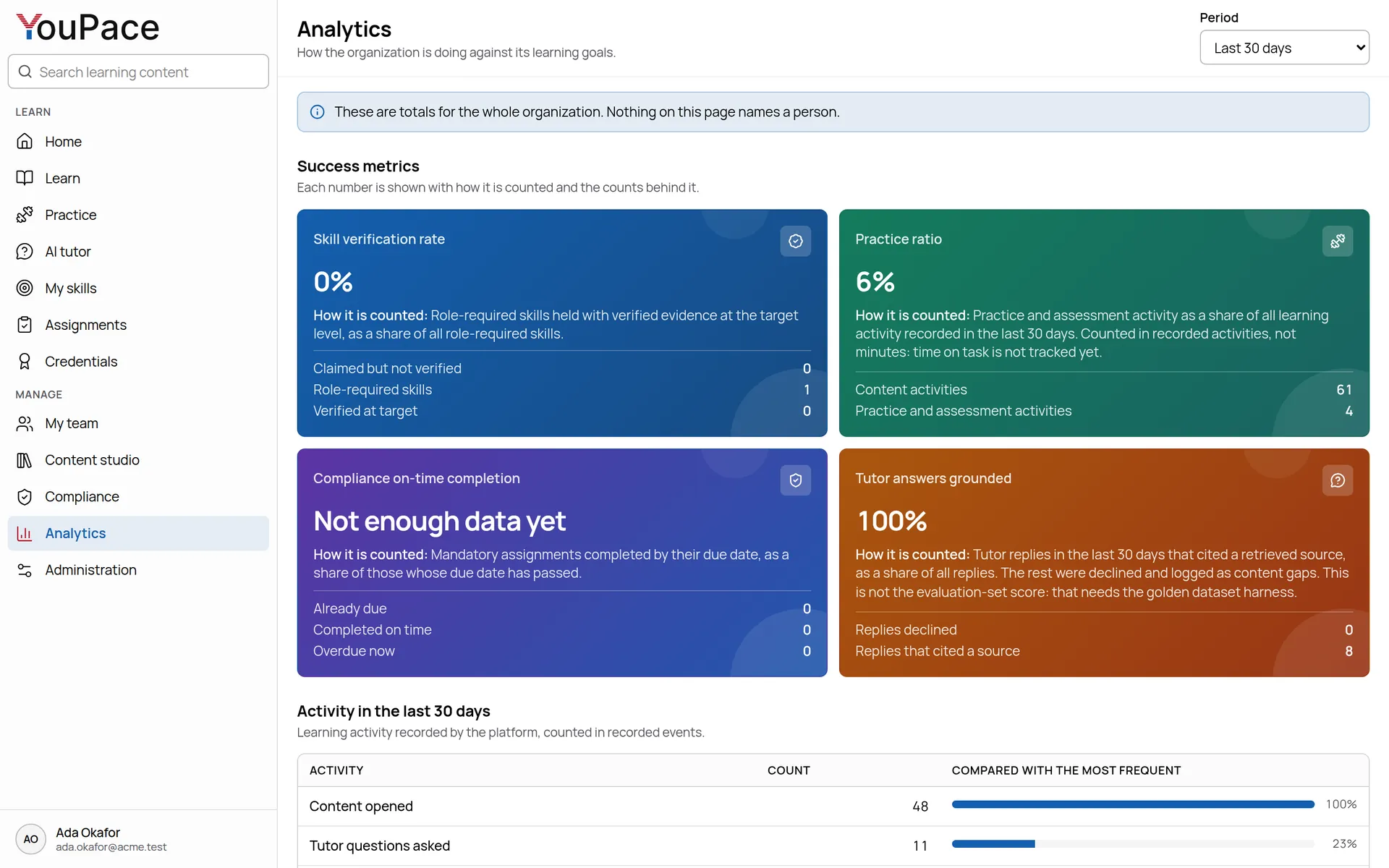
- Organization measures with no names
- Anyone’s xAPI records, and every statement sent on to your own LRS
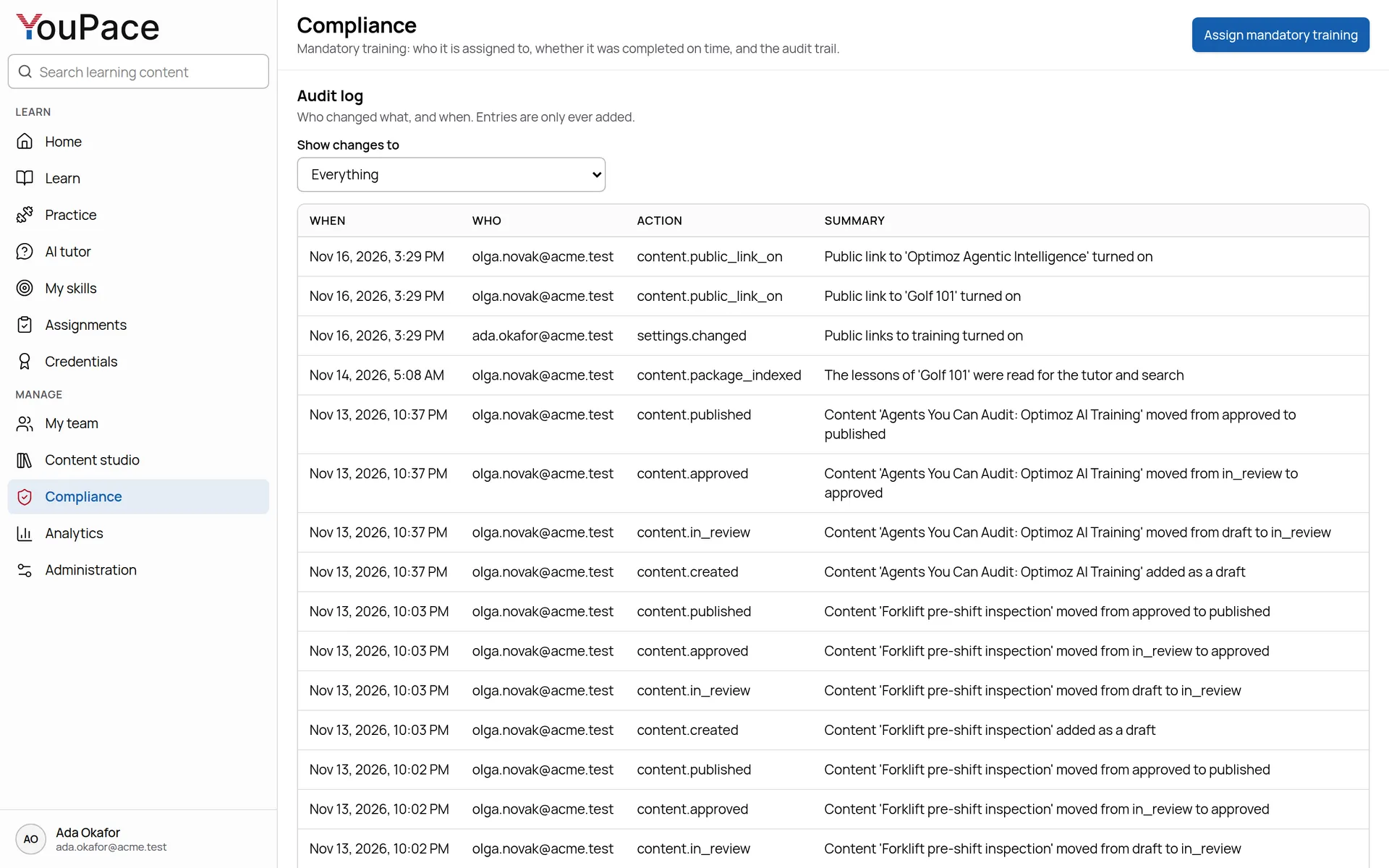
The columns of a real YouPace compliance export. The values here are samples.
Filter the rows, then download them. The file has all 17 export columns in the export’s order; the table shows eight of them.
| assignment_id | username | target_title | status | on_time | score | attested | due_on |
|---|---|---|---|---|---|---|---|
| AS-SAMPLE0001 | person.a@example.com | Information security policy | completed | yes | yes | 2026-09-30T23:59:00Z | |
| AS-SAMPLE0002 | person.b@example.com | Information security policy | completed | no | yes | 2026-09-30T23:59:00Z | |
| AS-SAMPLE0003 | person.c@example.com | Lockout tagout check | completed | yes | 86 | no | 2026-10-20T23:59:00Z |
| AS-SAMPLE0004 | person.a@example.com | Hazard identification basics | overdue | no | 2026-11-10T23:59:00Z | ||
| AS-SAMPLE0005 | person.b@example.com | Forklift pre-shift inspection | due_soon | no | 2026-11-21T23:59:00Z | ||
| AS-SAMPLE0006 | person.c@example.com | Observed pre-shift check | open | no | 2026-12-15T23:59:00Z |
Showing 6 of 6 sample rows.
Sample data. A real export also writes every cell so a spreadsheet can’t run it as a formula, and the export itself is recorded in the audit log.
Administrators and AI governance
Set the rules once. Everything follows them.
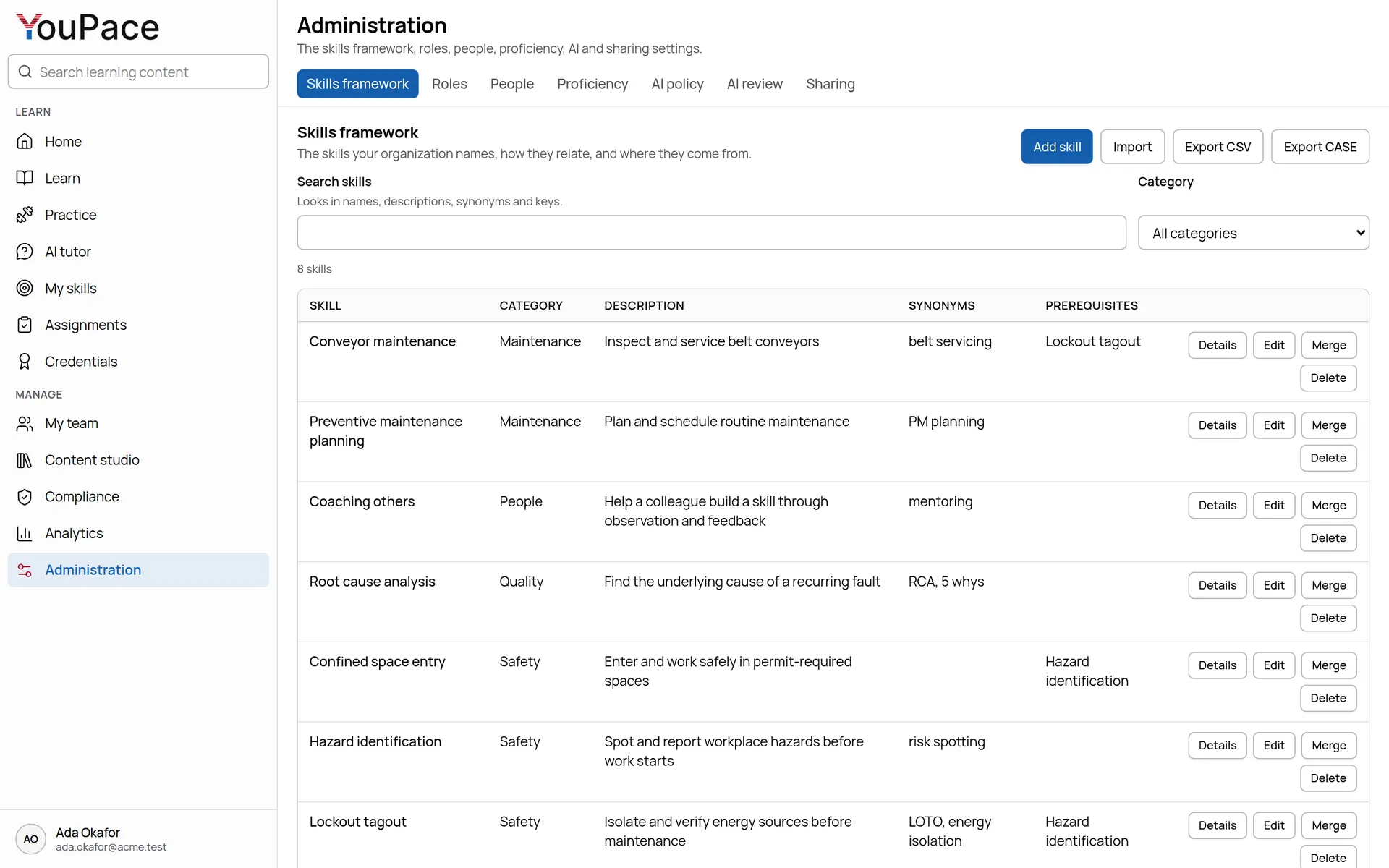
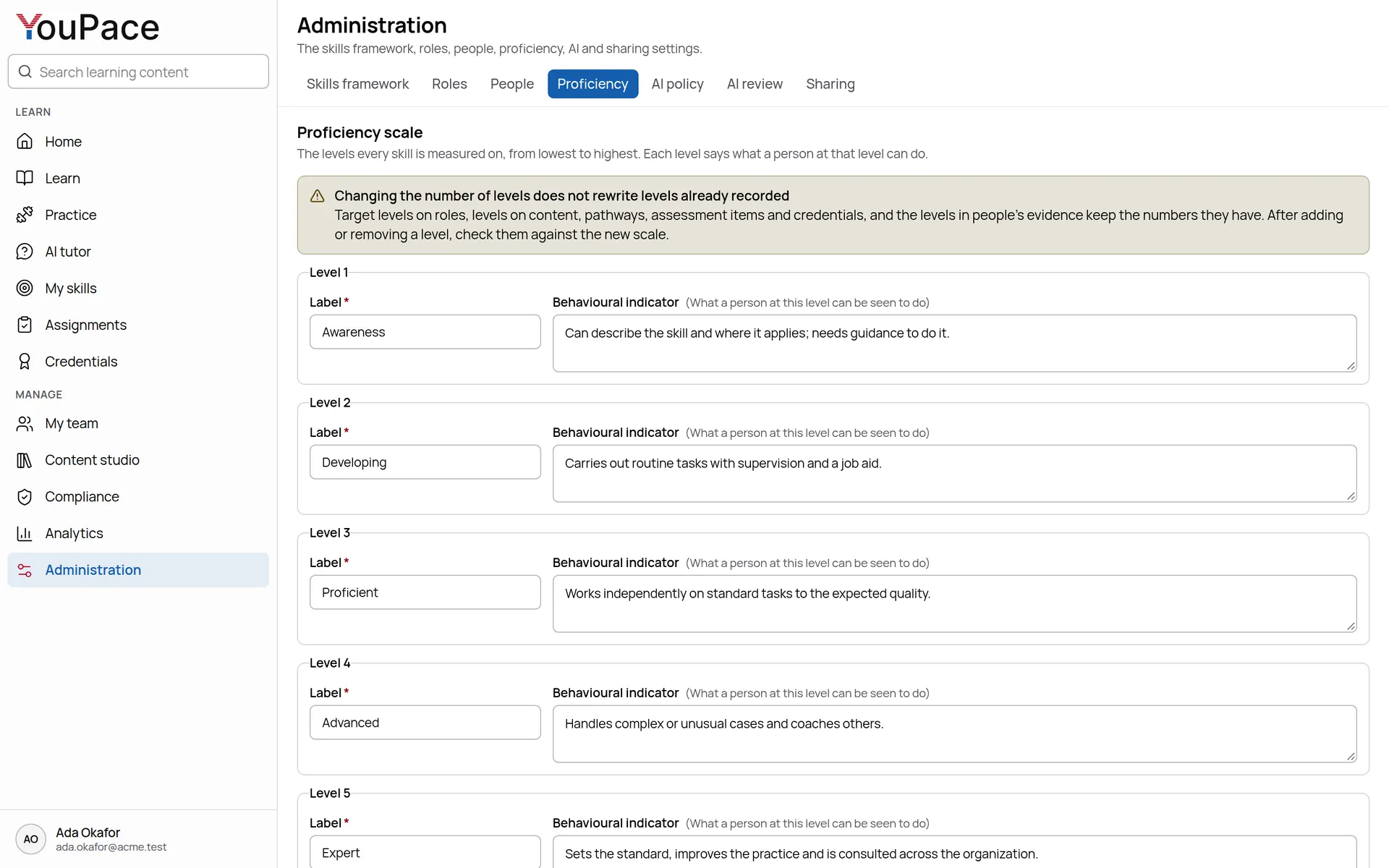
Administrators own the skills framework, roles, proficiency scale, AI policy and outside sharing for their organization.
What they do in YouPace
- Skills framework, with CSV or CASE in and out
- Roles with target levels and critical flags
- People: role, manager, department, location, employment type and hire date
- A proficiency scale of 2 to 10 levels, plus evidence recency rules
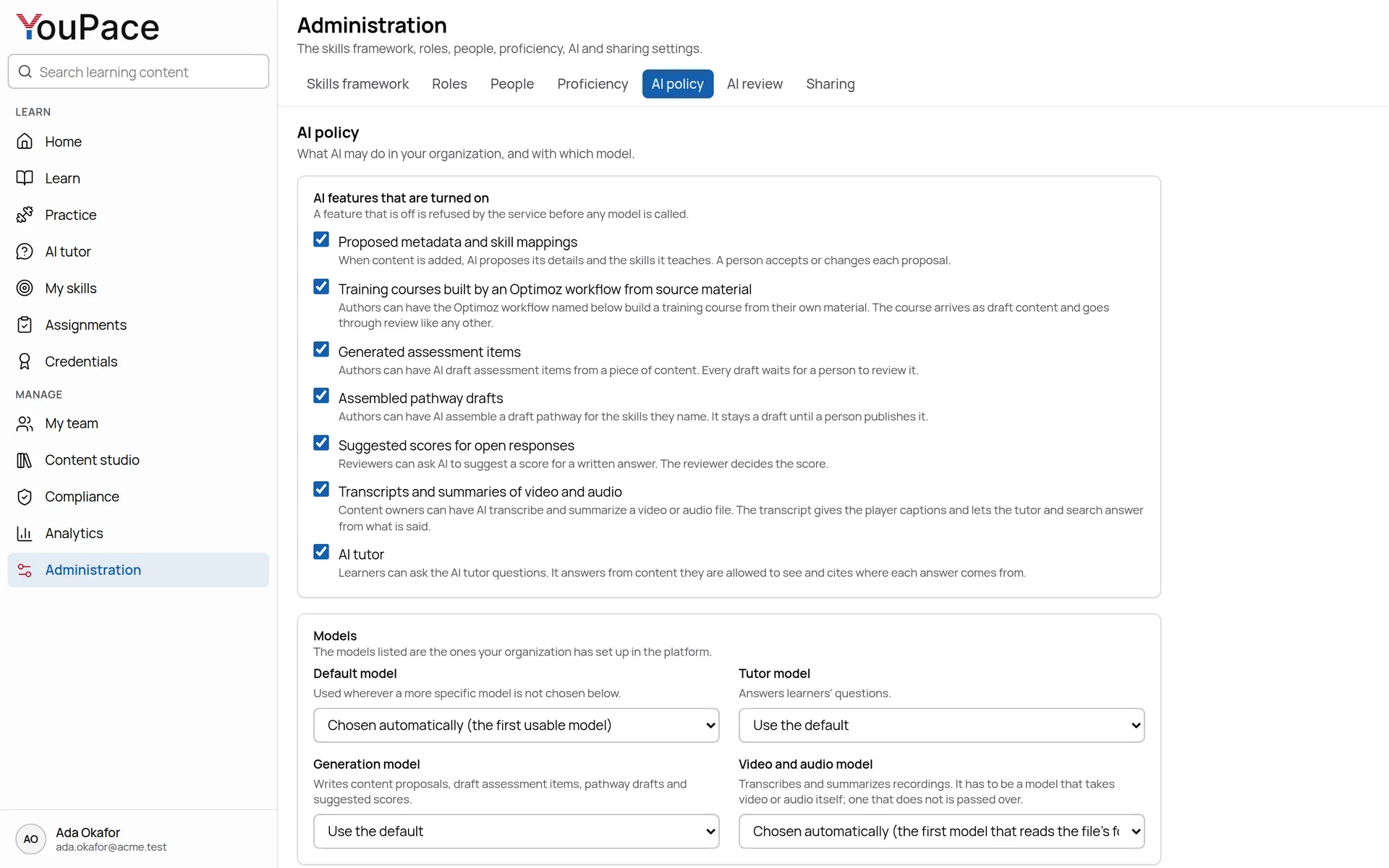
- The AI policy: switches, models, threshold, retention, tutor in tests
- AI review of flagged replies, without names
- Public links on or off for everyone
People outside your organization
Training for people outside your walls.
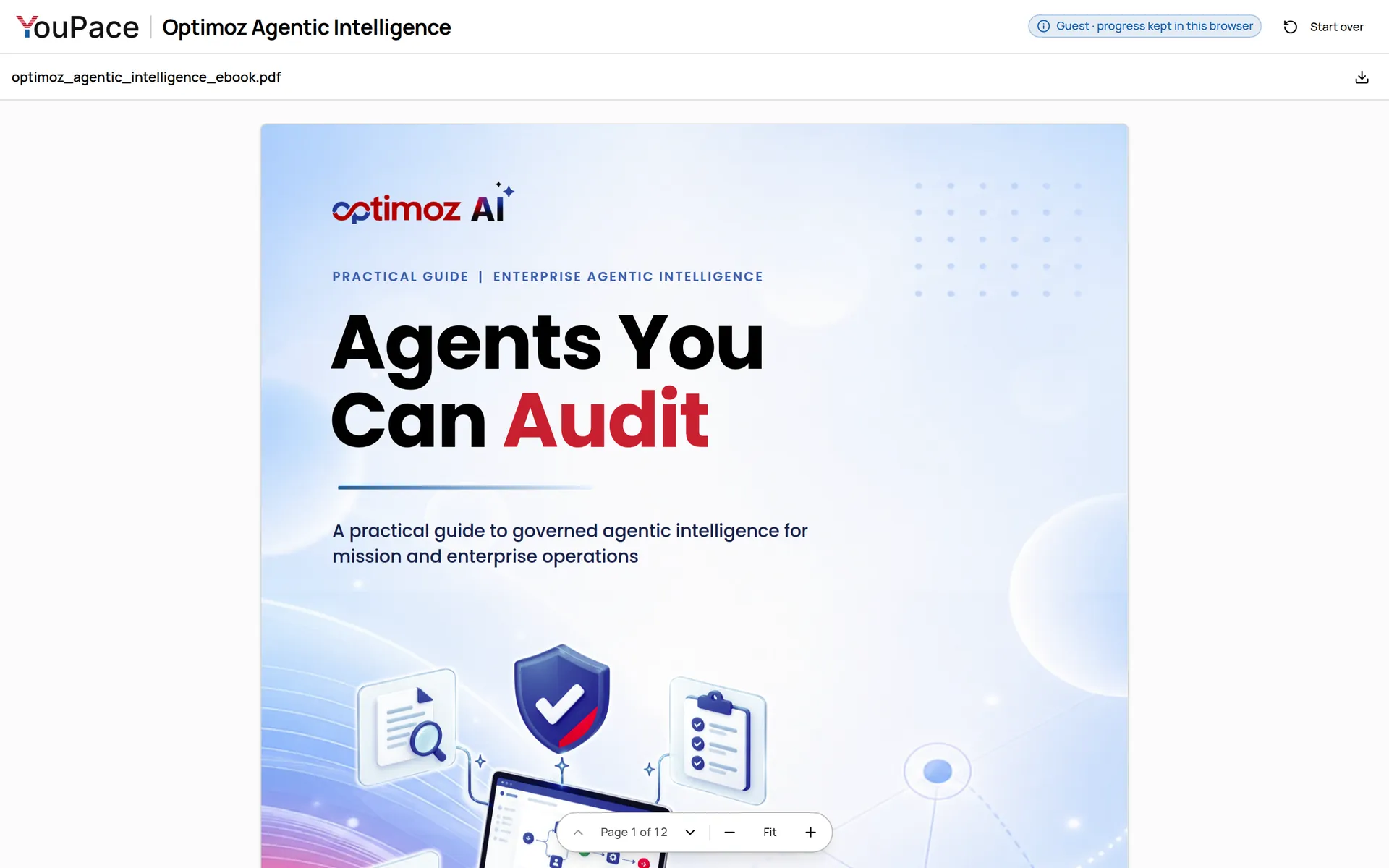
Contractors, partners or the public open one published training from a link. No account, no sign-up.
What they do in YouPace
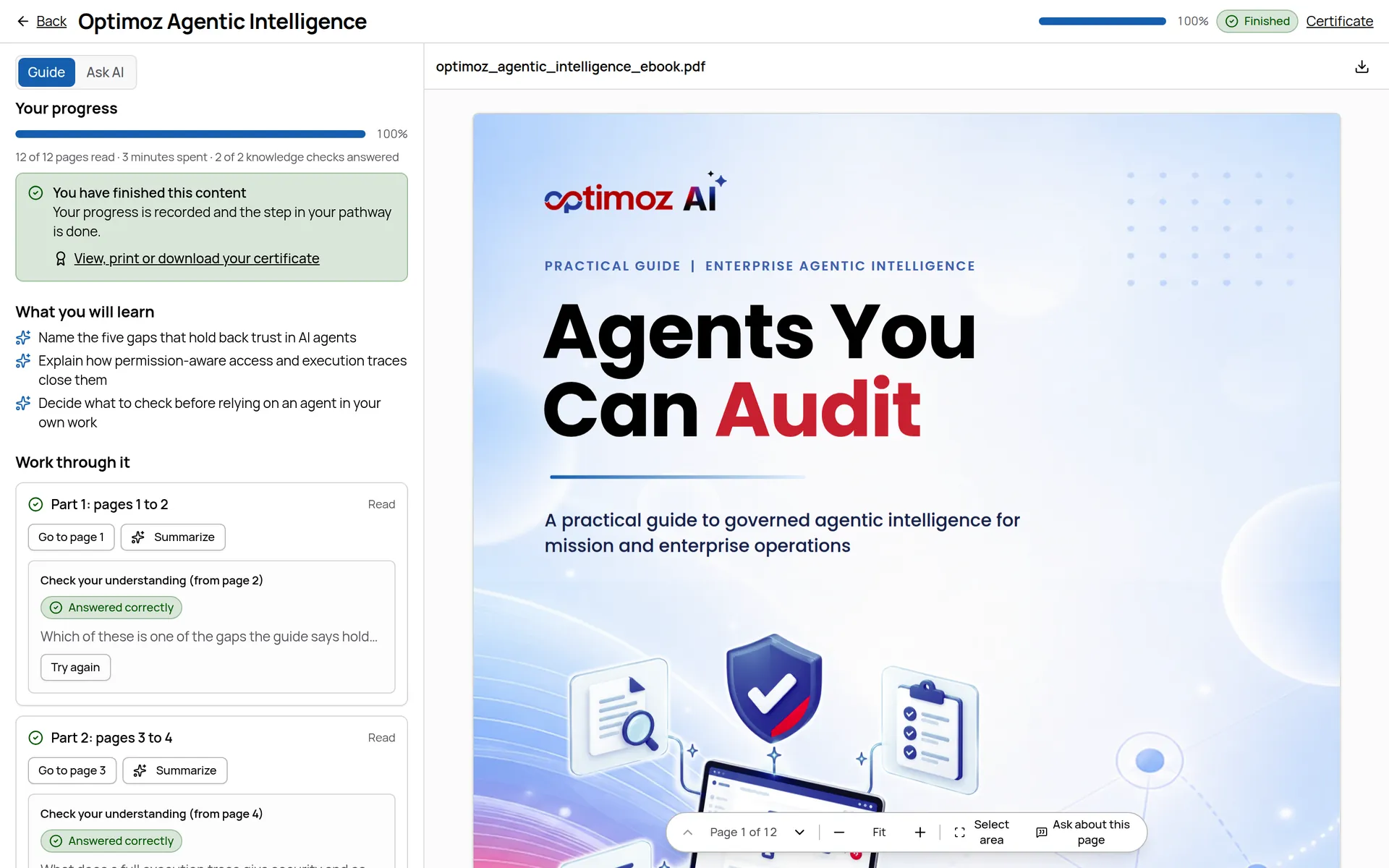
- SCORM courses full height, PDFs in the reader, video with AI captions if transcribed
- Progress kept in their own browser for 90 days; Start over clears it
- Only a count of opens is kept about visitors
Whichever role you play. See it live.
Tell us which teams you’re thinking about, and the Optimoz team will show you their screens.