

Skills-based learning for L&D and compliance teams
Learning at your pace. Skills you can prove.
YouPace, from Optimoz, is a learning platform built around your skills framework. SCORM and cmi5 courses, videos and PDFs play inside it. An AI tutor answers from your approved content and shows its sources. Every skill level is backed by evidence.
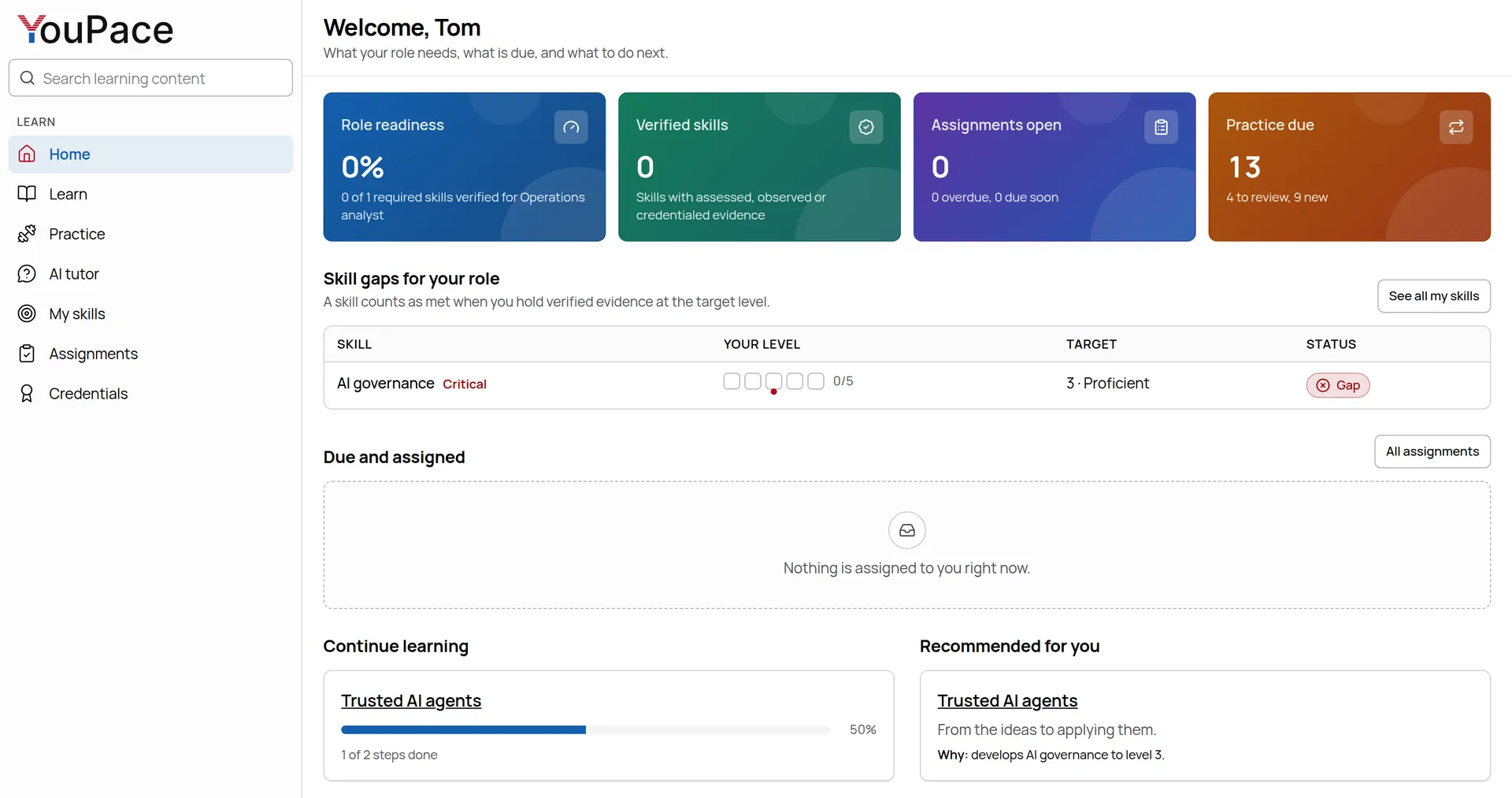
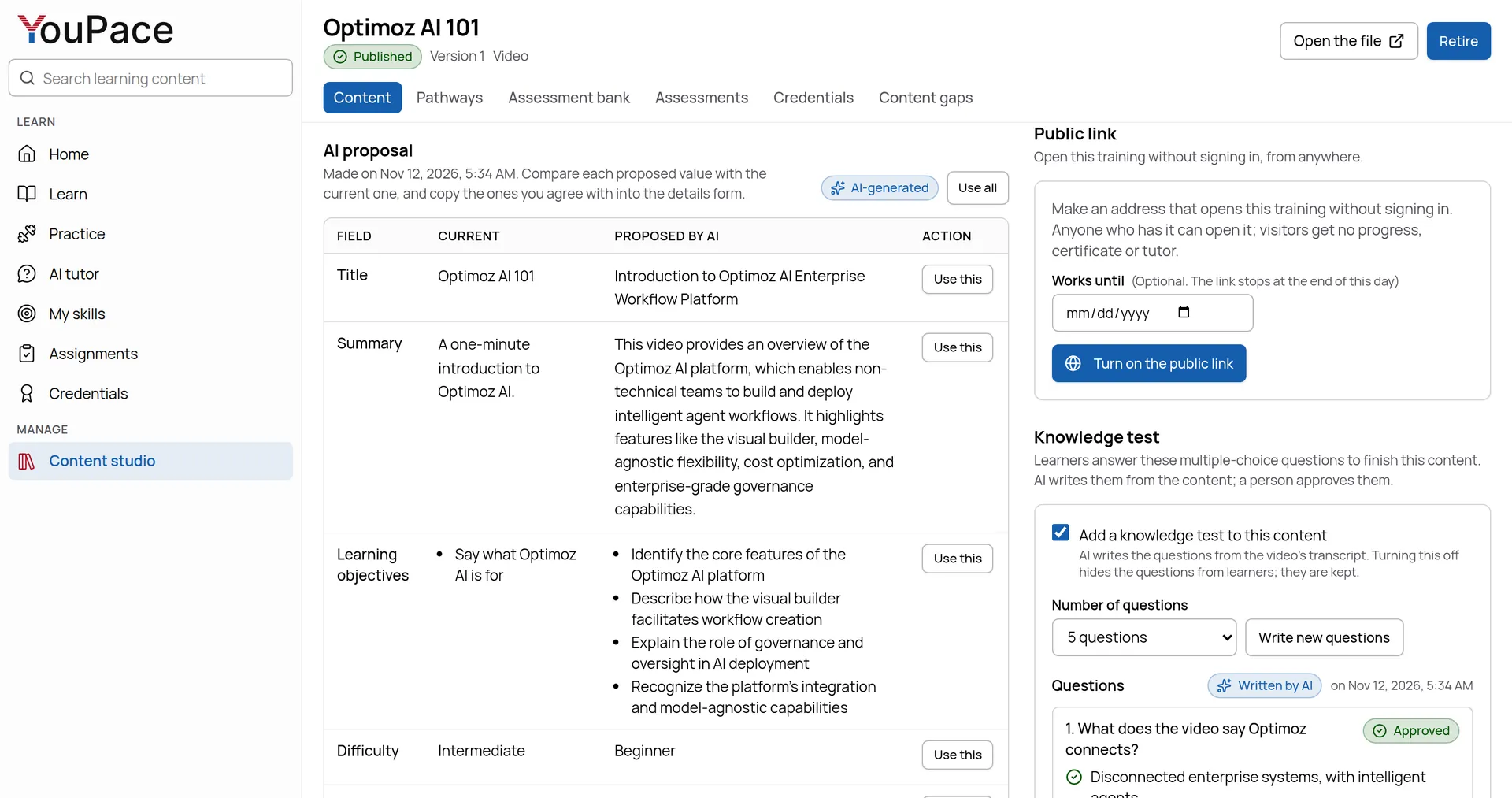
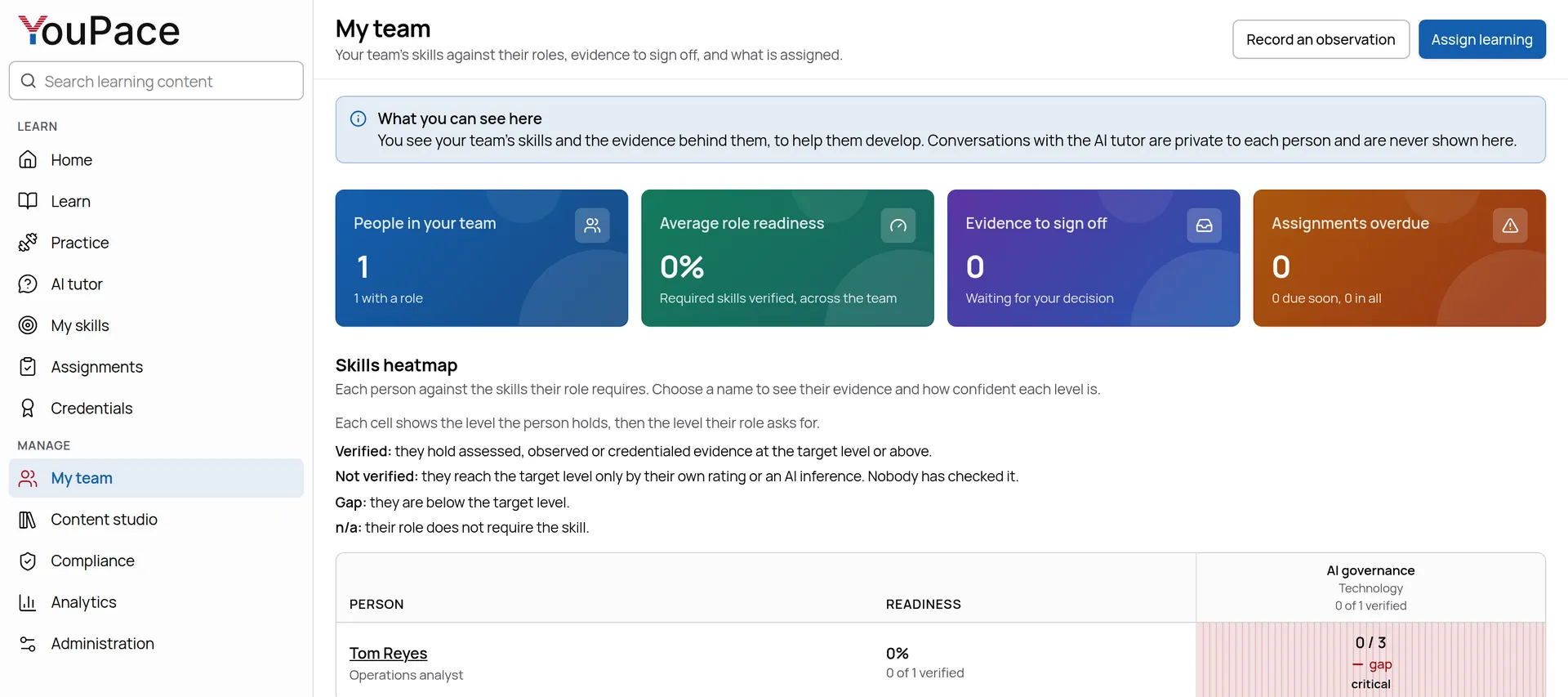
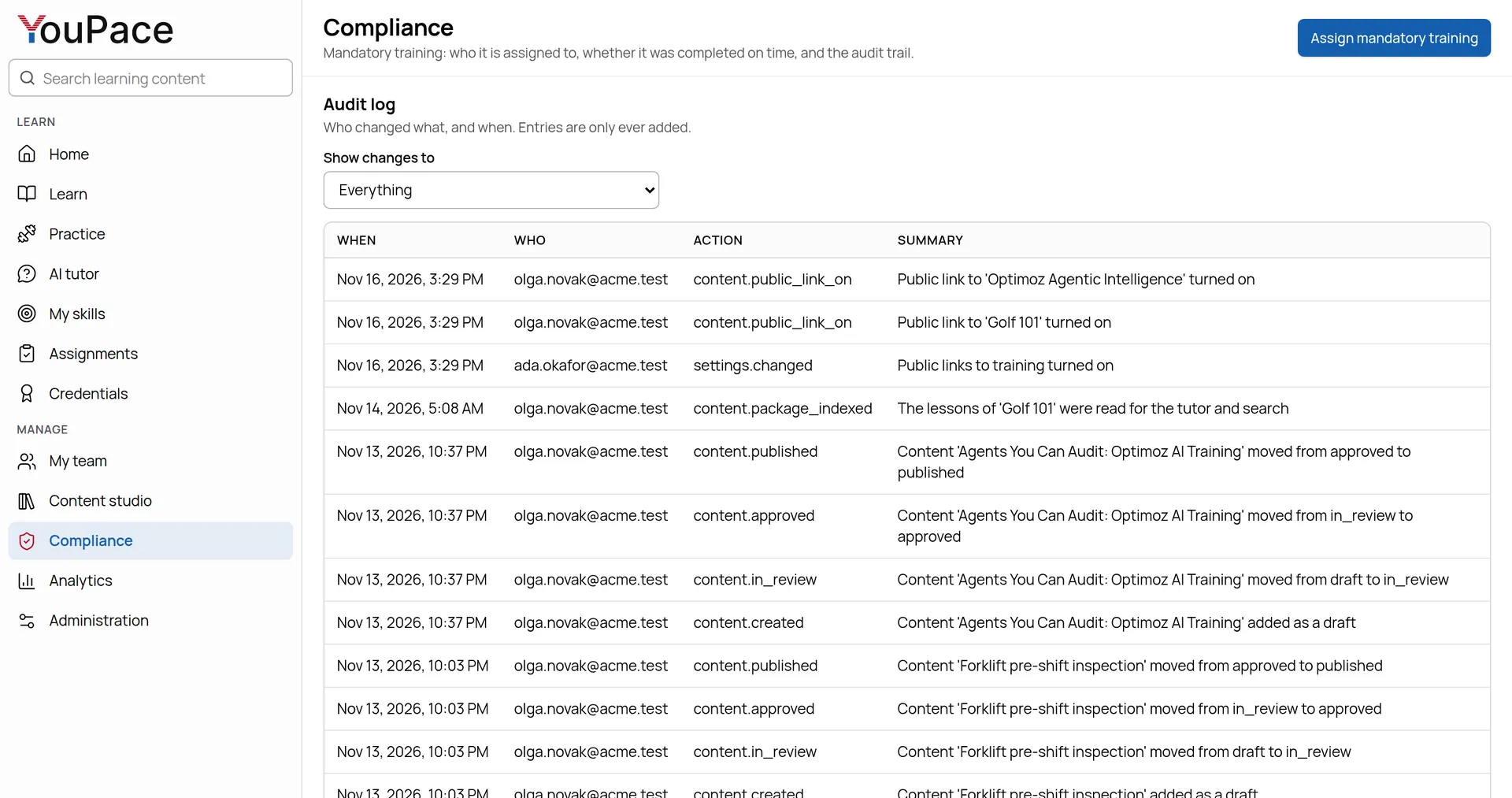
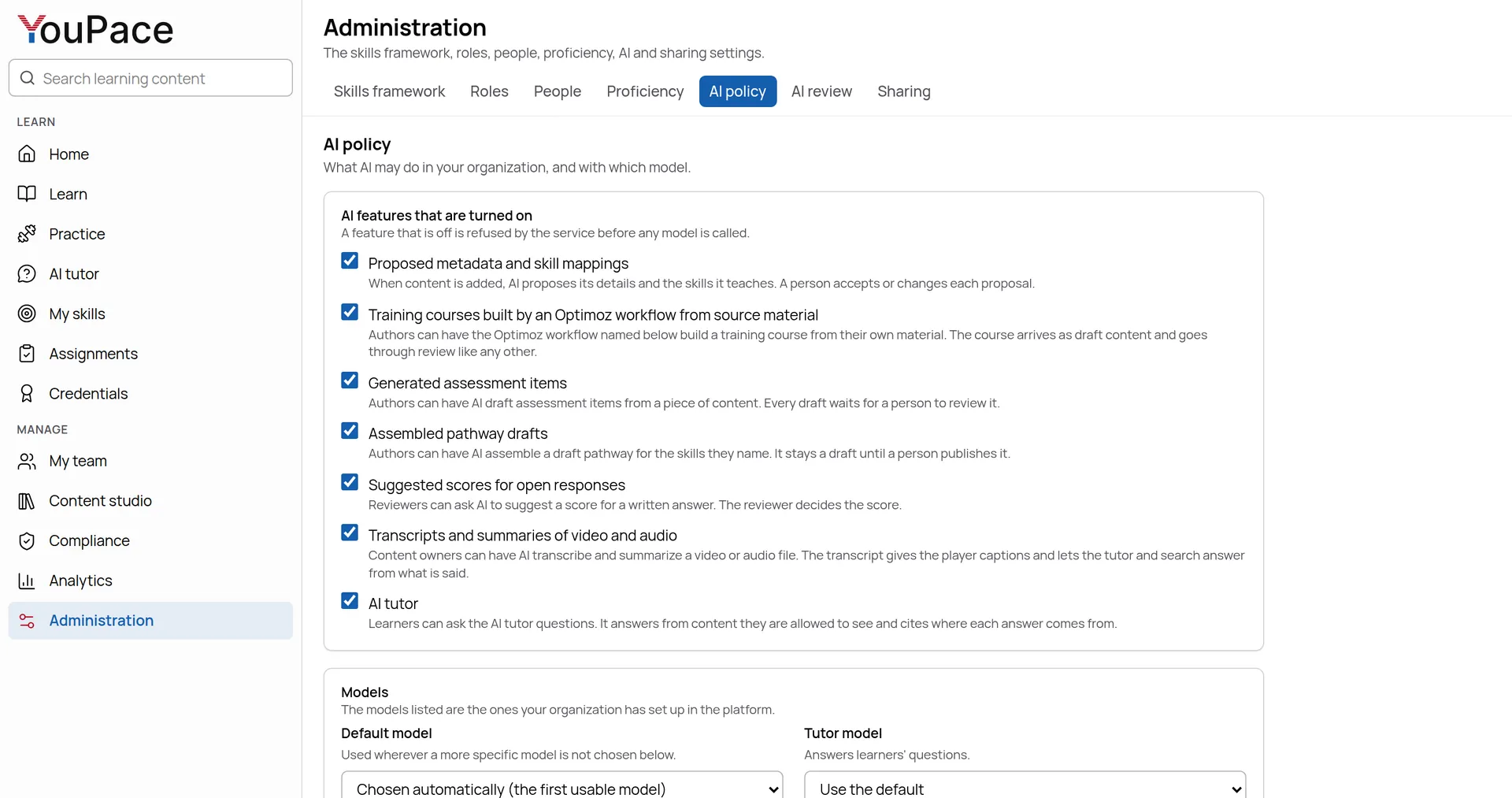
LearnerHome: what your role needs, what is due, and what to do next.
The problem
Completions don’t show who can do the job.
| What a completion report tells you | What YouPace shows |
|---|---|
| The course was finished. | Verified evidence at the level the role requires. |
| Mandatory training is marked complete. | Who completed which version, whether it was on time, the score, and whether and when they attested, in one CSV export. |
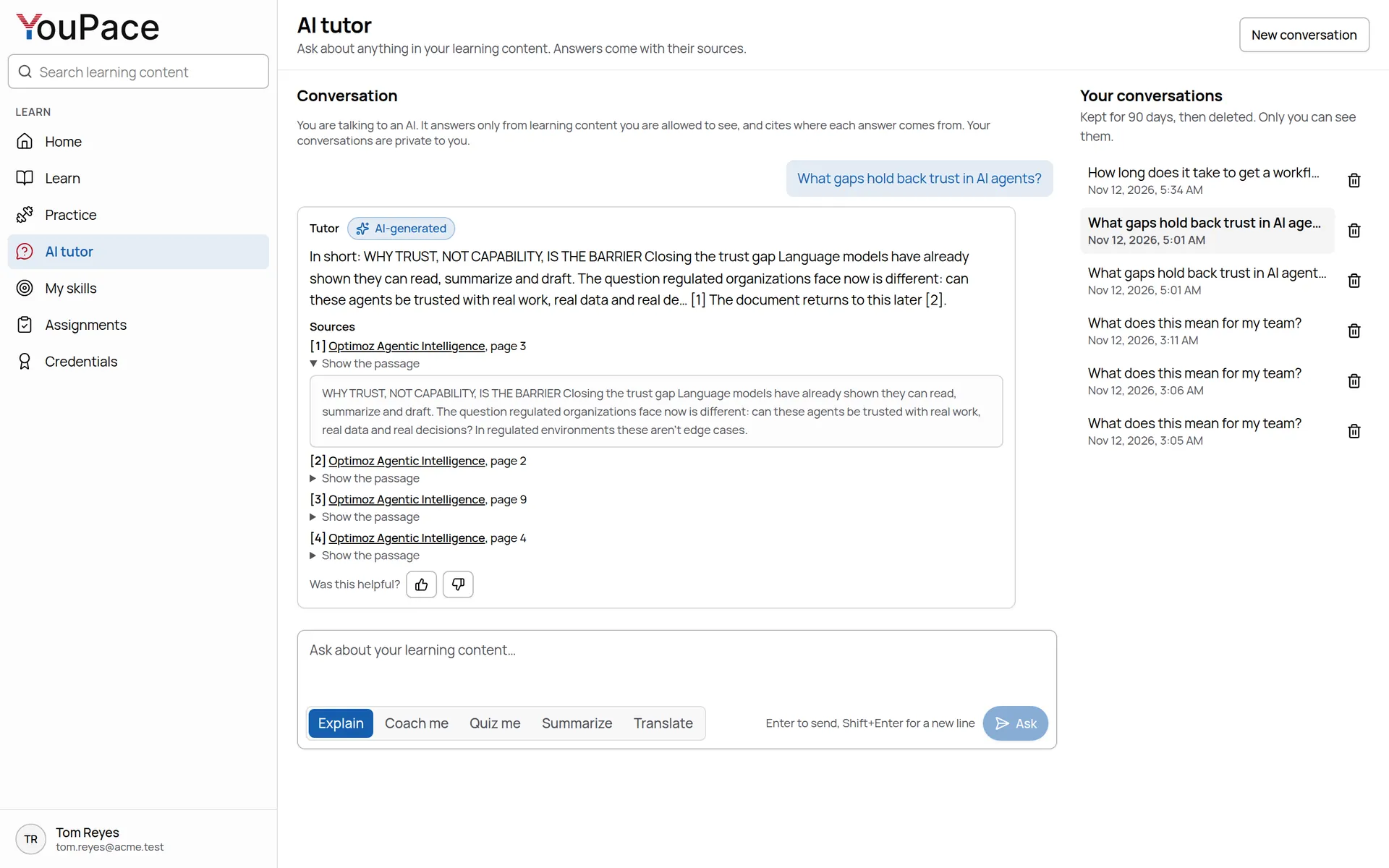
| The chatbot answered. | The tutor answered from an approved document, showed the page it used, or said it could not find an answer. |
| AI wrote the quiz. | AI drafted the questions. A person approved each one before learners saw them. |
See it working
One platform. Every step of learning.
Courses, videos and PDFs. One place to take them.
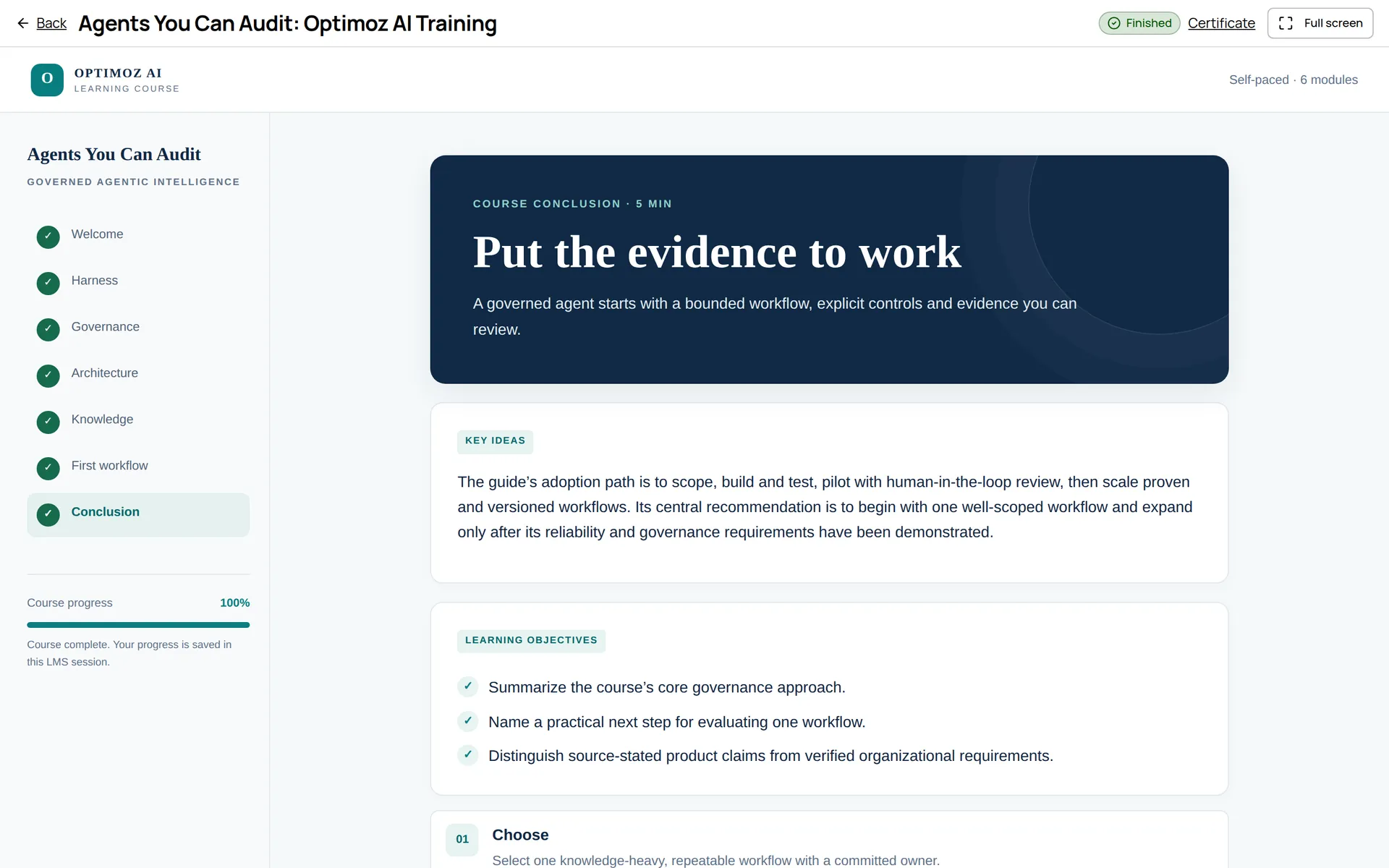
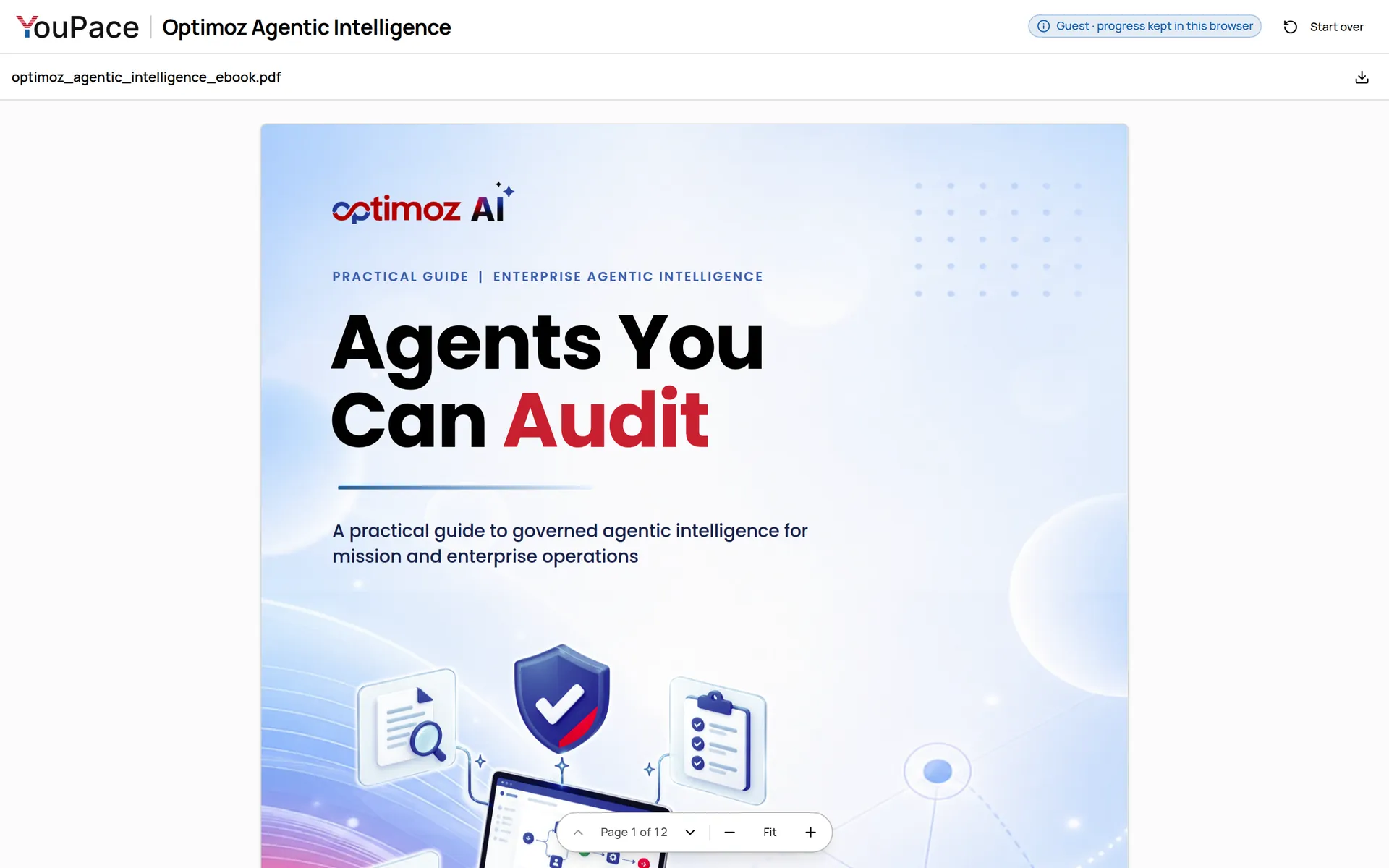
SCORM and cmi5 courses, videos and PDFs play inside YouPace and resume where you stopped. PDFs and videos count only what was really read or watched.
- SCORM 1.2 and 2004, cmi5 and Tin Can
- Pages count once they’ve been read
- Skipping ahead in a video earns nothing
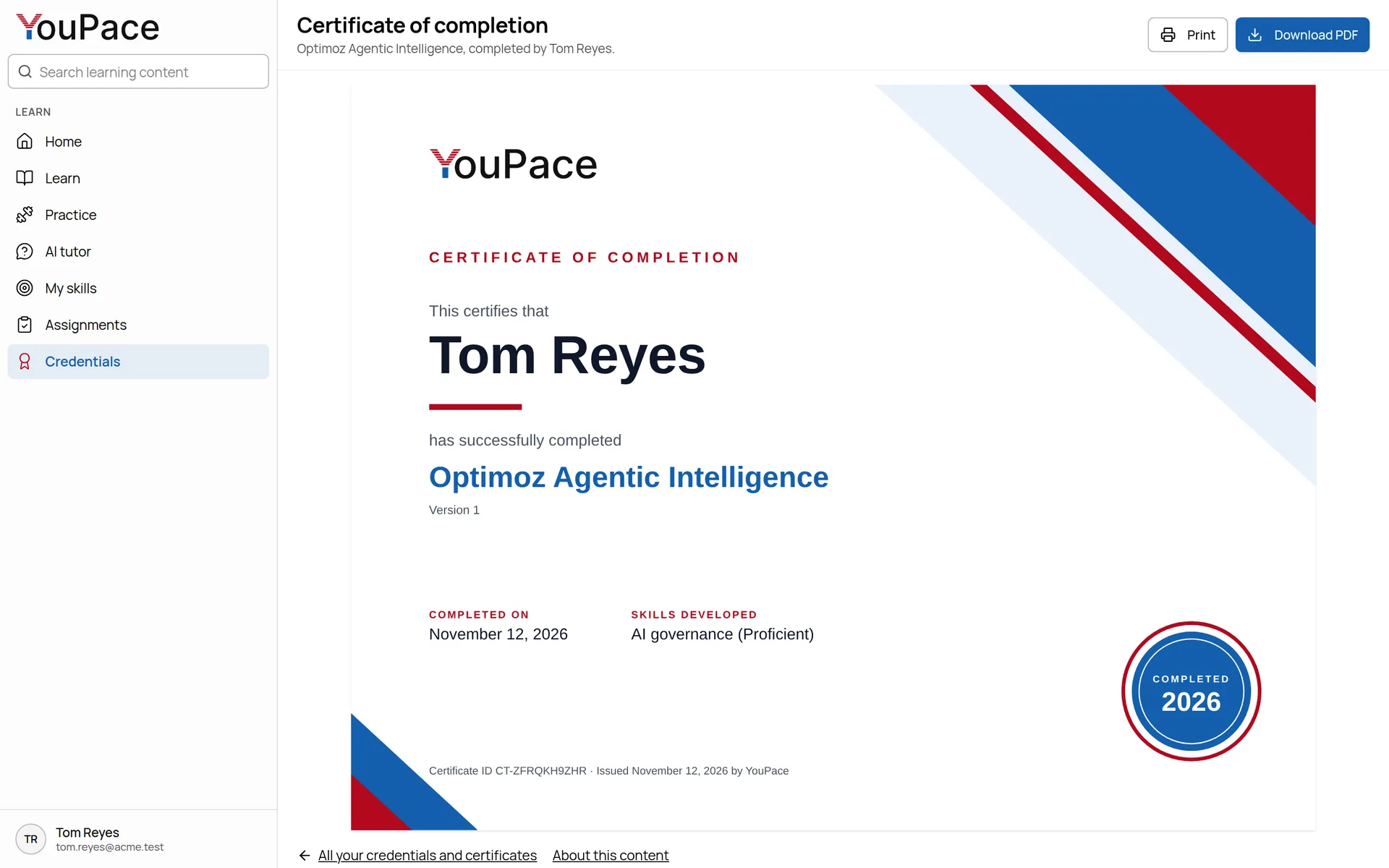
- A certificate for every finish
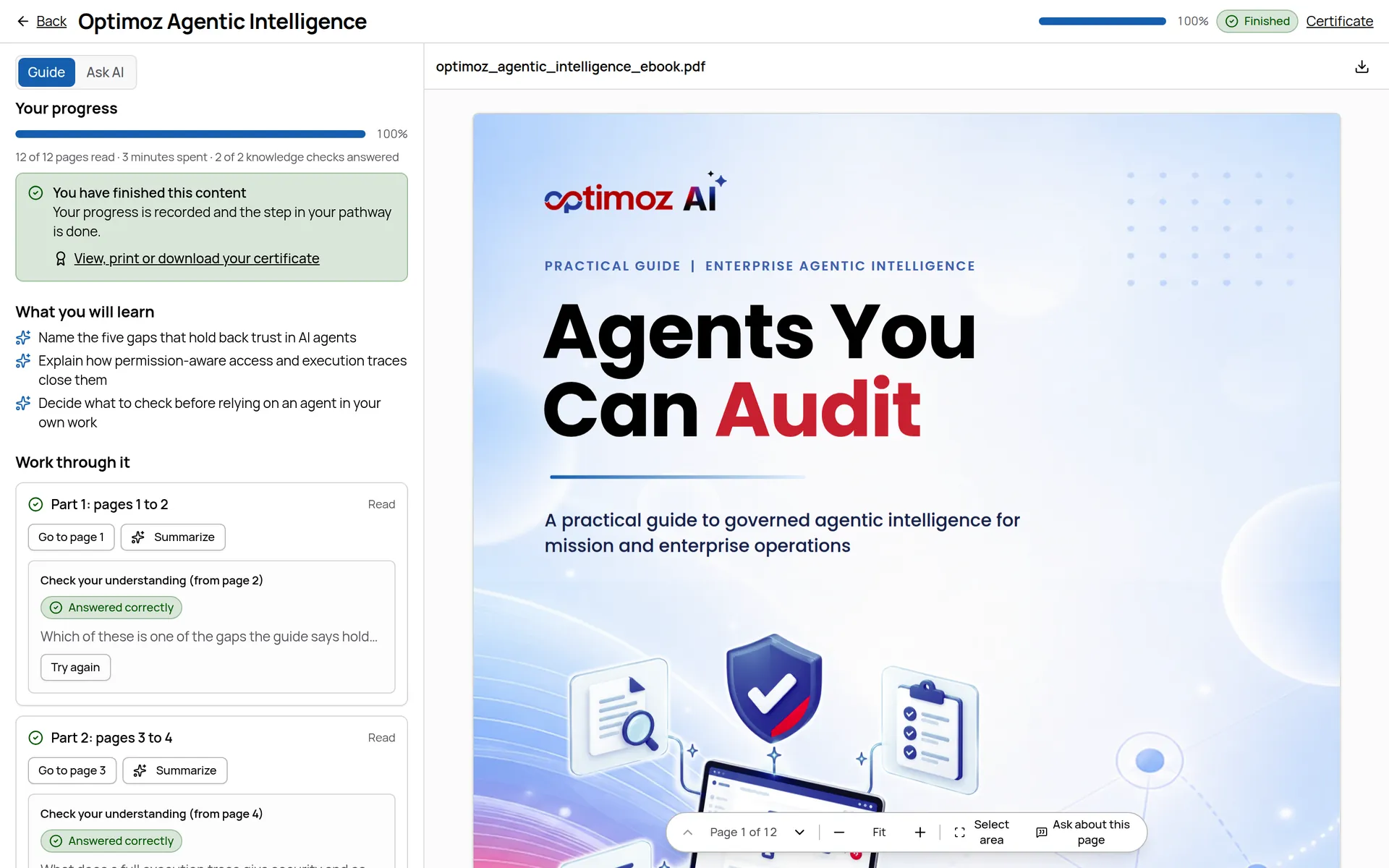
Progress
Finishing takes 90% of pages read and every check answered.
Summarize
Summarize any part with AI.
Ask about this page
Ask the tutor about a dragged area or the whole page.
Guided PDF reader
Continuous pages, zoom, resume, knowledge checks.
Video with AI captions
A clickable transcript once a video is transcribed.
Course player
SCORM and cmi5, a file at a time.
How it behaves
Seven rules. Written into the code.
Evidence, not assumption.
Nobody types in a skill level. It is read off evidence every time, and assessed, observed or credentialed evidence always outranks a self-rating.
AI proposes. People decide.
Publishing, using an AI-written question in a graded test, and final scores all need a person.
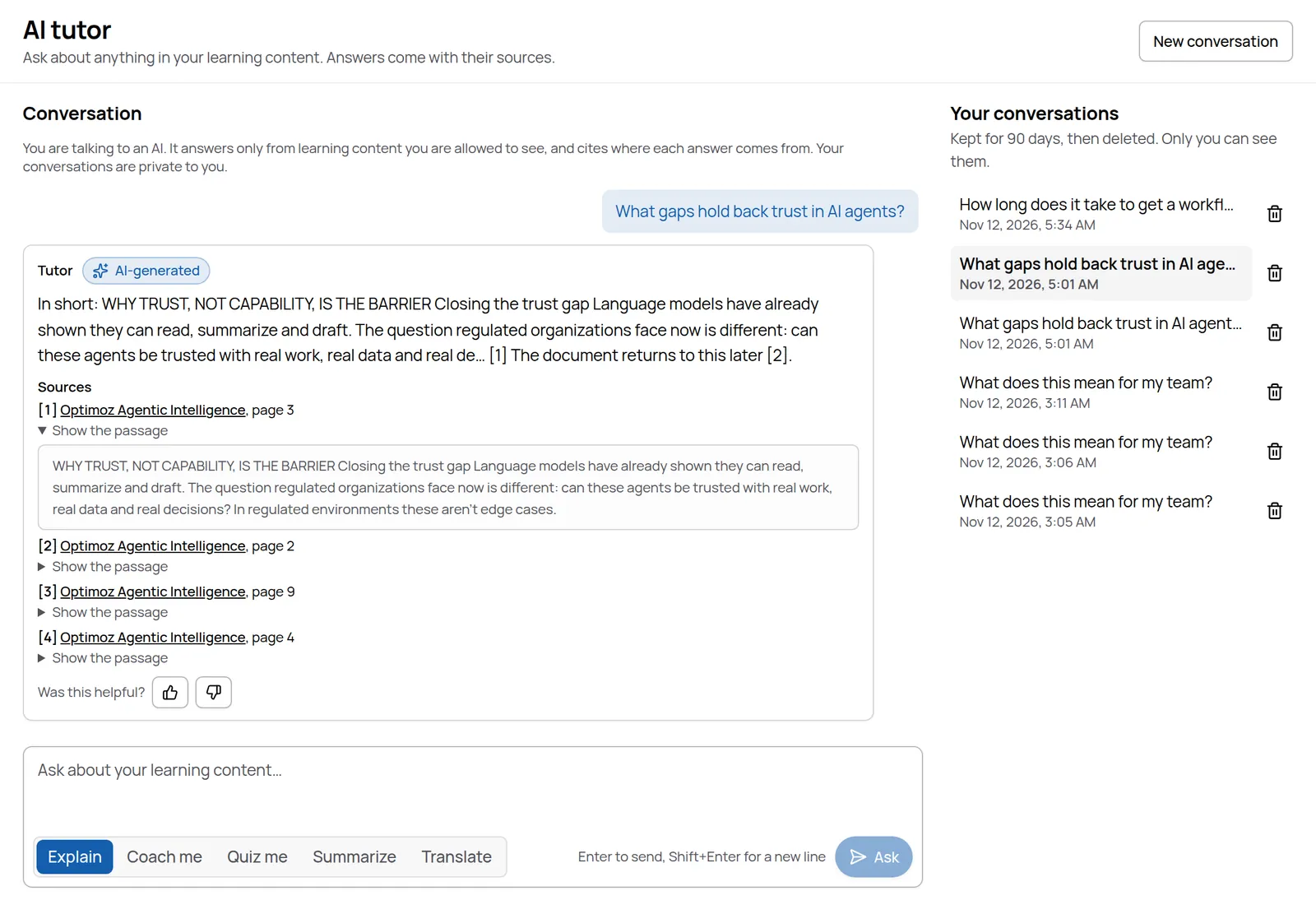
No answer without a source.
The tutor answers only from passages it found for that learner. Citations it can’t back are removed, and an unsupported answer becomes “I could not find this” and a content gap.
Tutor chats belong to the learner.
No role can read someone else’s conversations. Content gaps and analytics carry no names.
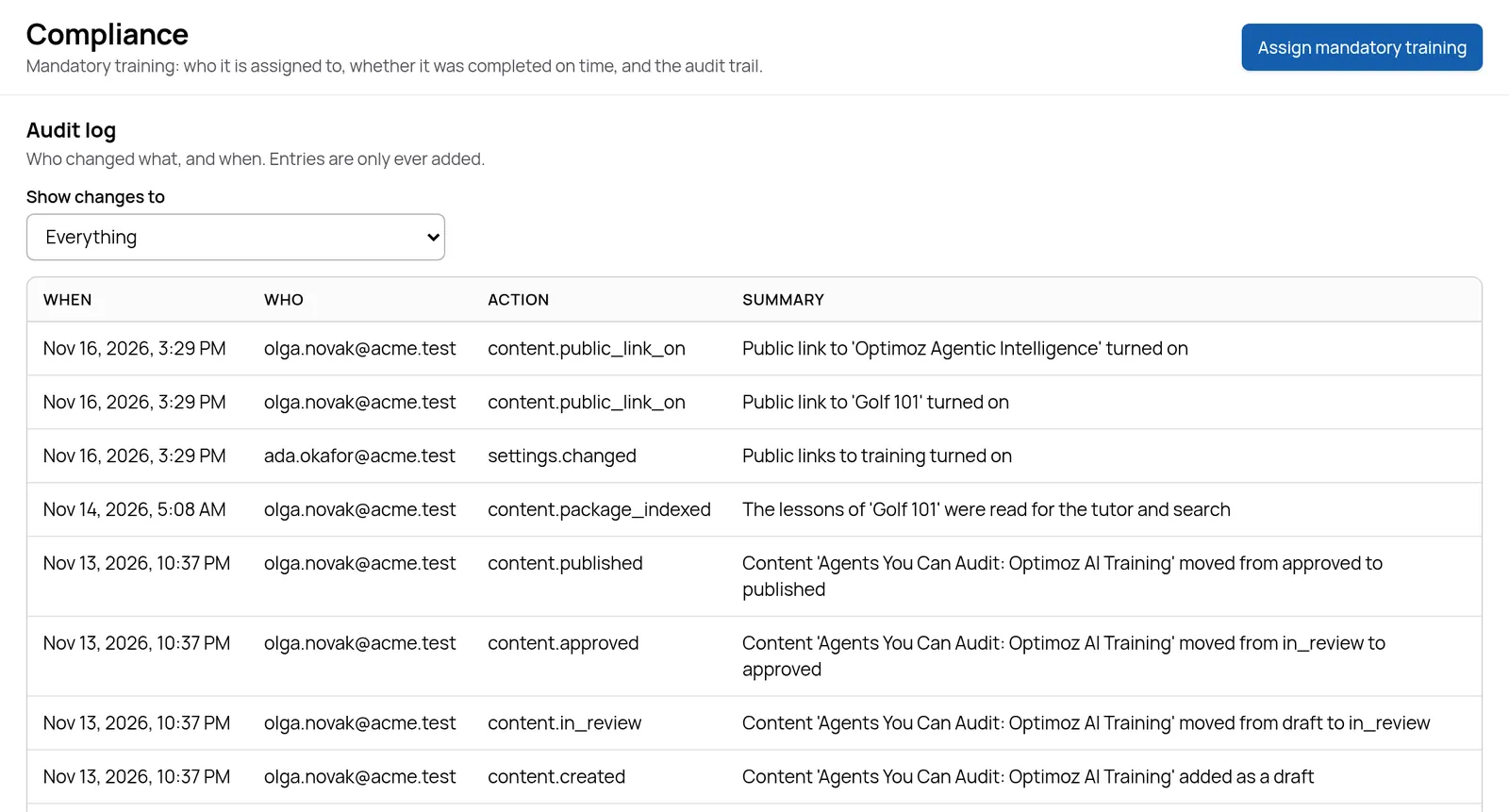
Records can’t be changed or deleted.
Audit entries and learning records have no update or delete in the service or its API.
Your data stays in your organization.
Each organization has its own database, and every lookup is limited to it.
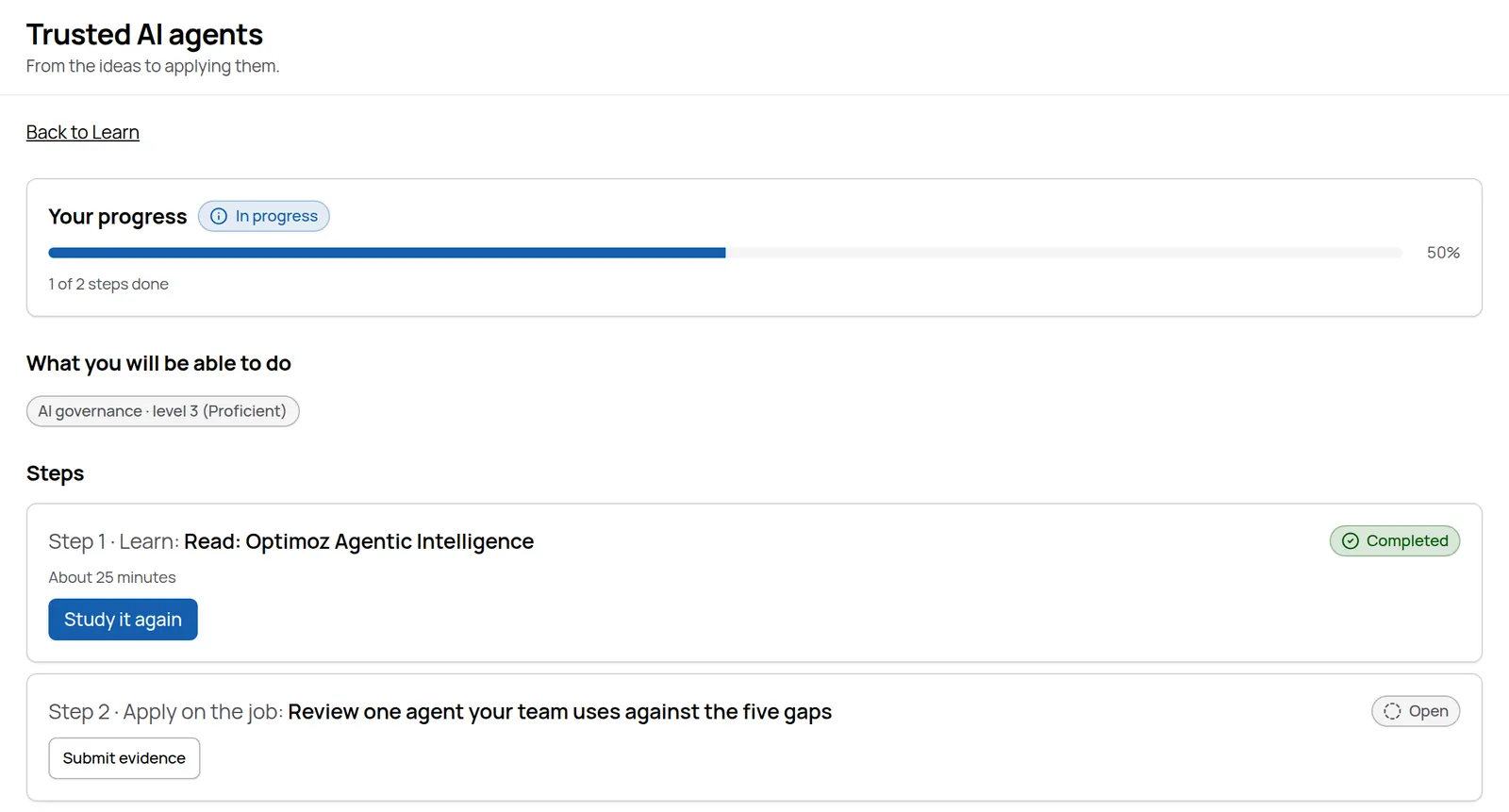
Reading alone is not a pathway.
A pathway can’t be published without a practice or proof step: an assessment or an on-the-job task.
Bring what you have
Your training already exists. Play it here.
SCORM or cmi5 package
- Opens in
- The built-in player: SCORM 1.2 and 2004, cmi5 and Tin Can, recognized from the package itself.
- Tracked
- Bookmarks, status, score and time between visits. Finishing every lesson closes the assignment and the pathway step and issues a certificate.
- Search and tutor
- Yes. YouPace reads the lessons’ text, for packages up to 300 MB.
- Good to know
- SCORM 2004 sequencing decides which lessons are open. A cmi5 lesson is done when its moveOn says so. Authors can edit SCORM packages in the browser.
Recreation of the YouPace course loader.

Agents You Can Audit: Optimoz AI Training
Almost there, hang tight!
- Getting ready
- Unpacking
- Almost there
Courses open a file at a time, with a progress screen that shows each stage.
Recreated from the real loader. Timing here is illustrative.
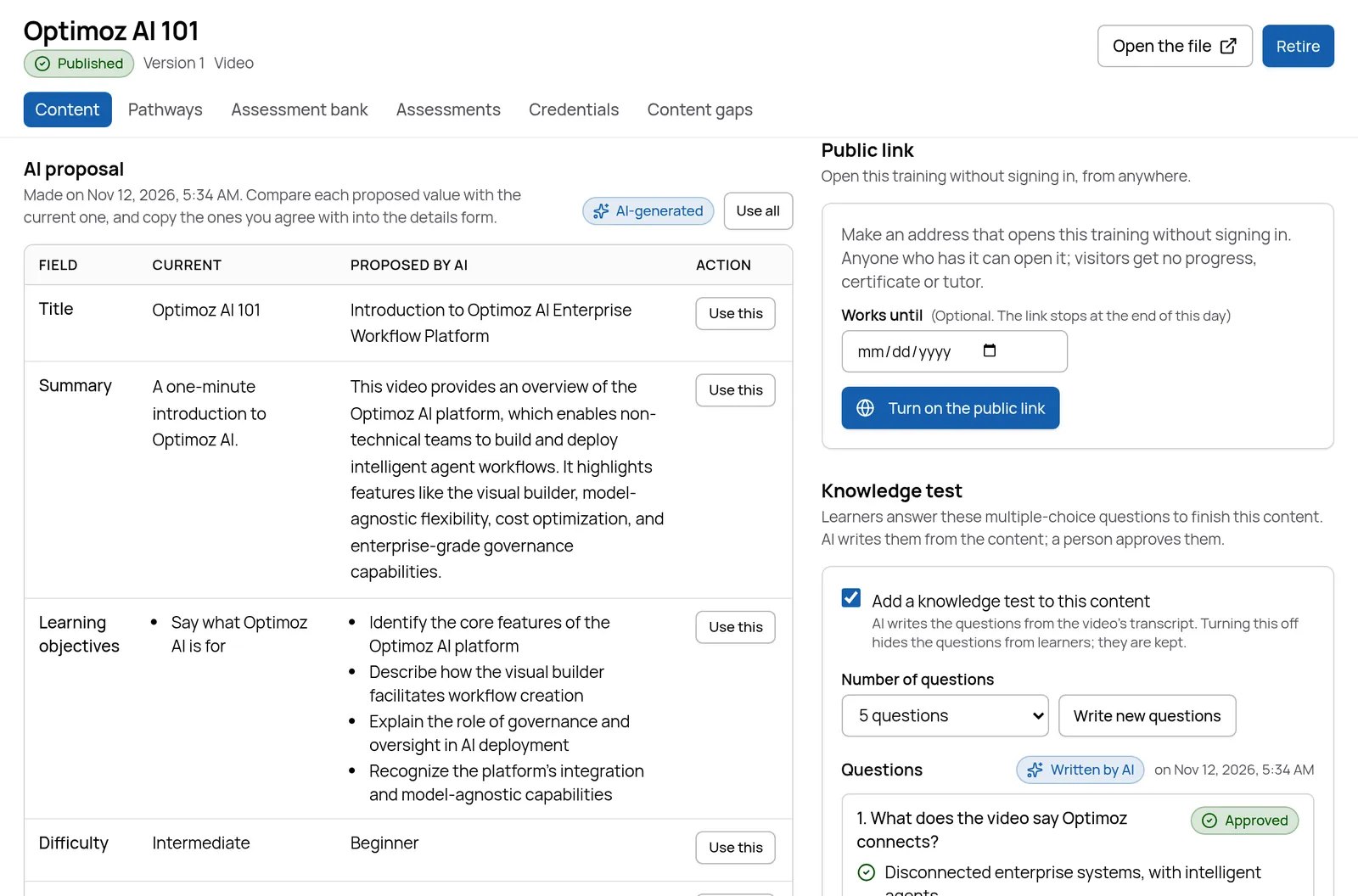
Create with AI
From your material to a finished course.
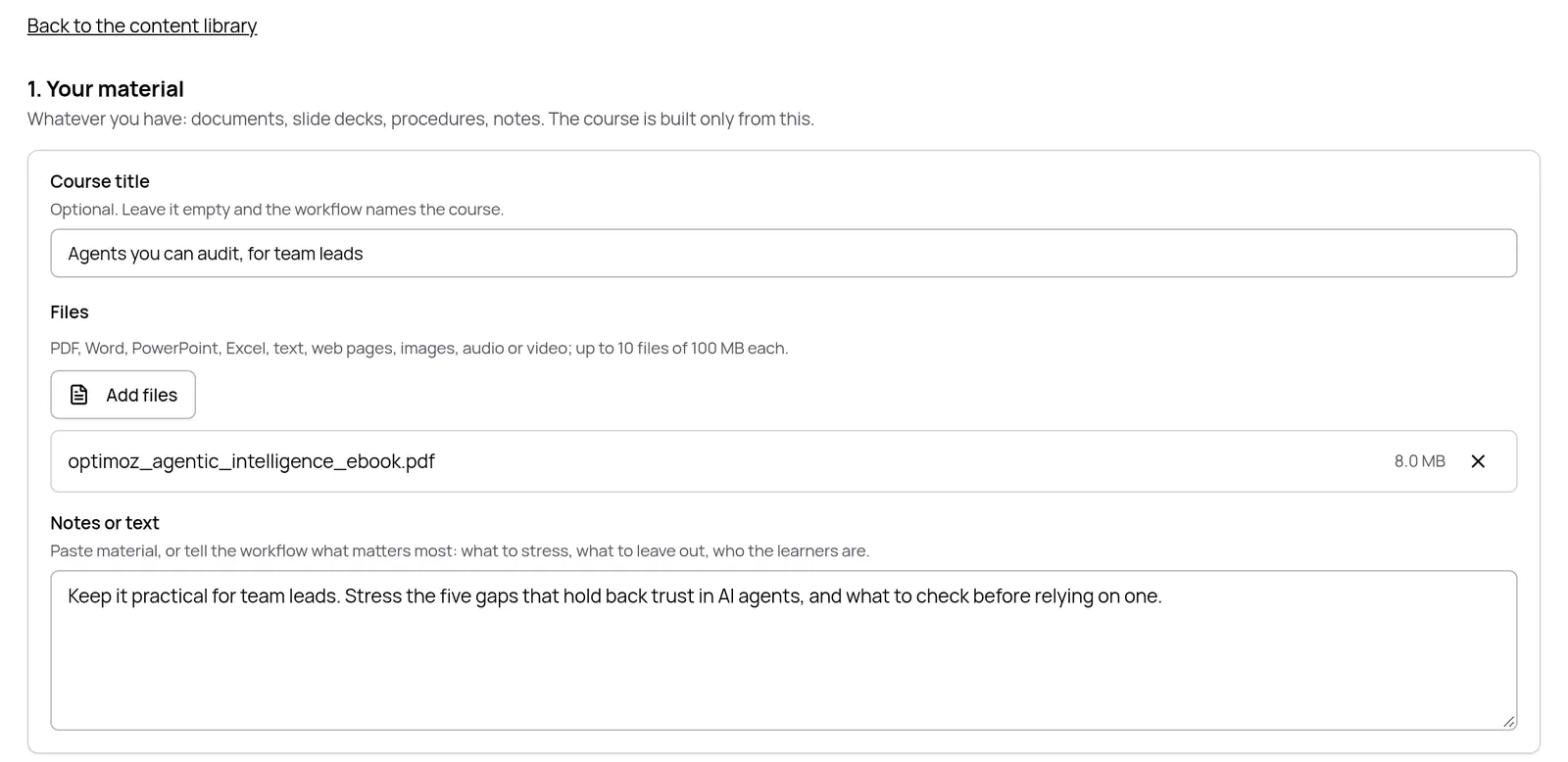
Step 1: Add your material.
Documents, slide decks, procedures, notes: up to ten files, plus what to stress and who it’s for.
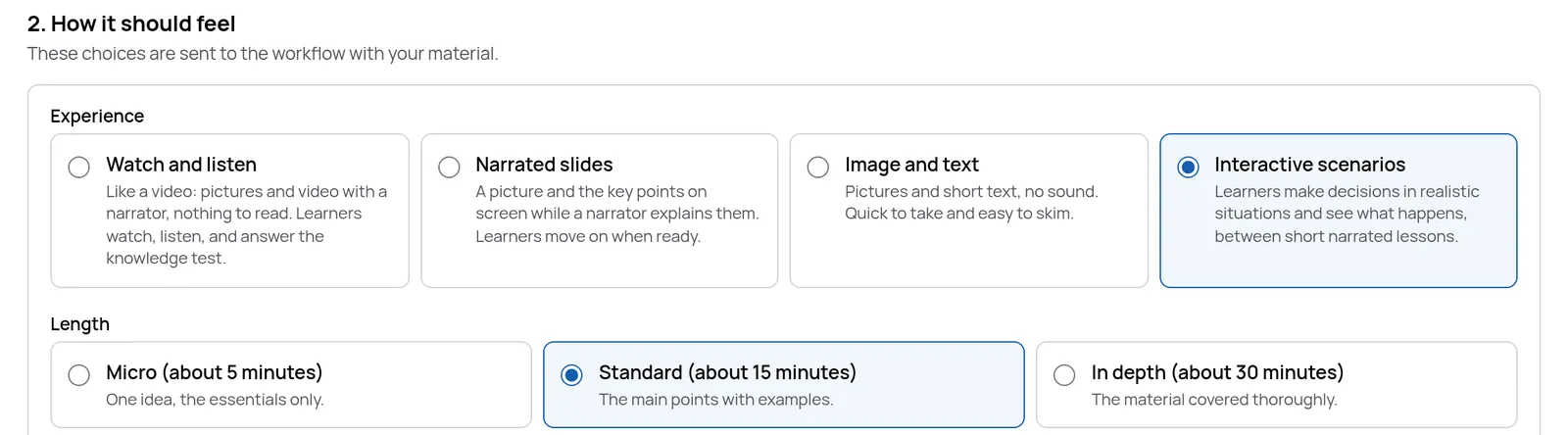
Step 2: Choose how it should feel.
Watch and listen, narrated slides, image and text, or interactive scenarios. About 5, 15 or 30 minutes. Then pick the look, the narrator’s voice and the tone.
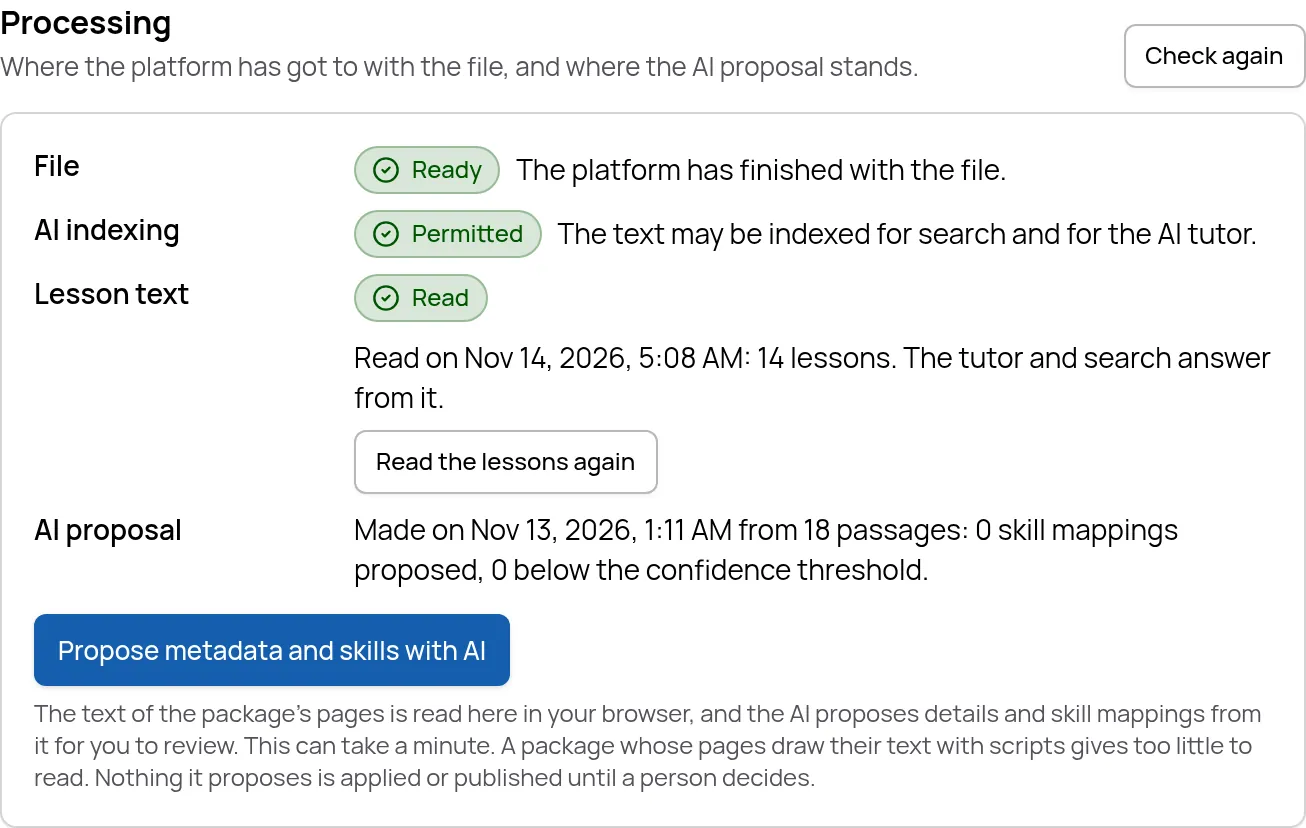
Step 3: Review it like anything else.
The course arrives as draft content marked Built with AI. Map it to skills, edit it in the package editor, and publish when it’s ready.
What a course contains, and how good it is, depends on the Optimoz workflow your organization runs. YouPace starts the run, follows it, and registers the result.
Built for every role
Everyone sees their part. Nothing more.
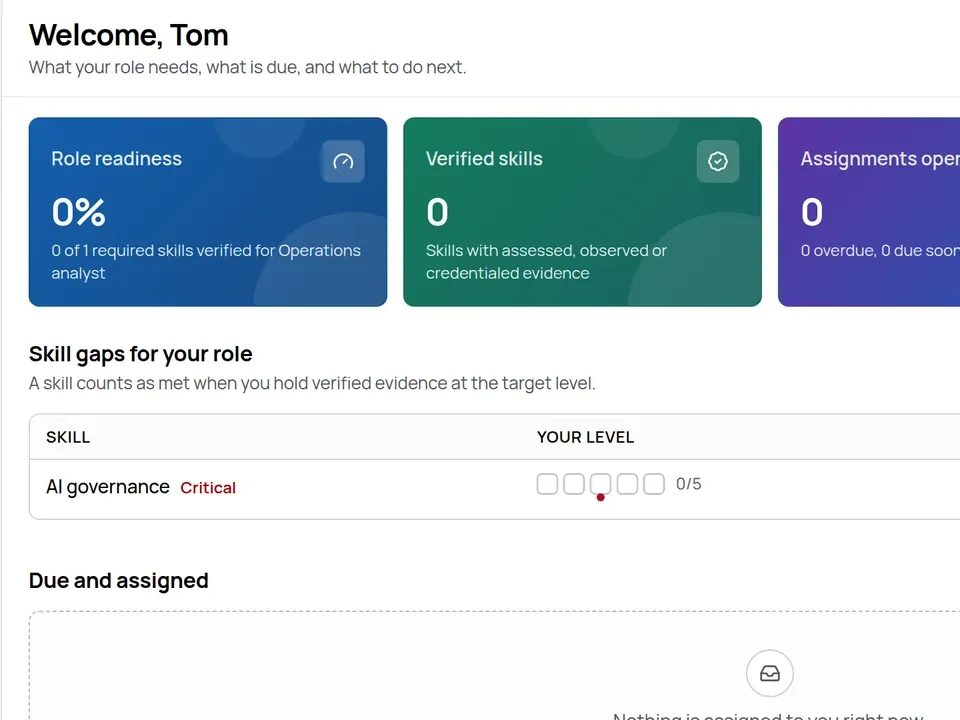
Learners
Home, catalog, tutor, practice, skills and credentials.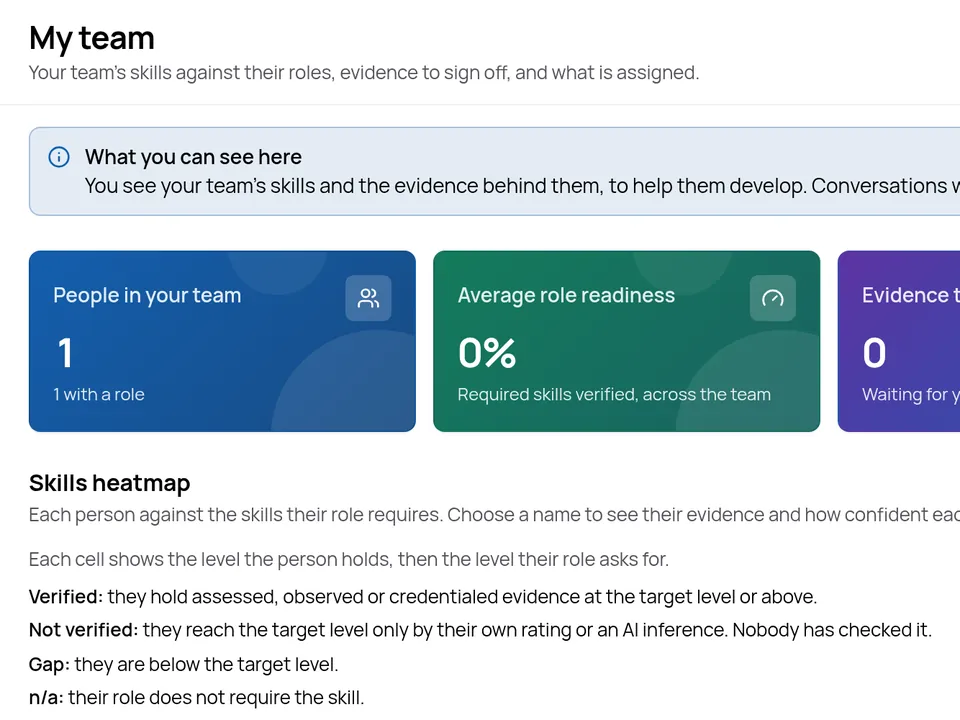
People managers
Team skills heatmap, sign-offs, observations and assignments.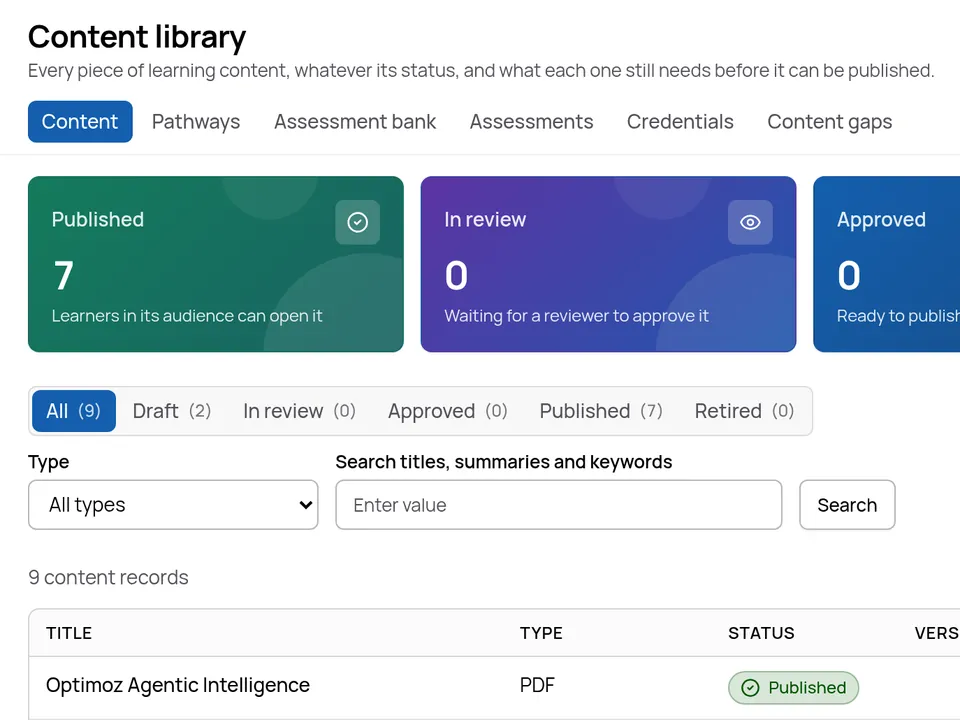
Content owners
Studio, AI proposals, course builder, tests and content gaps.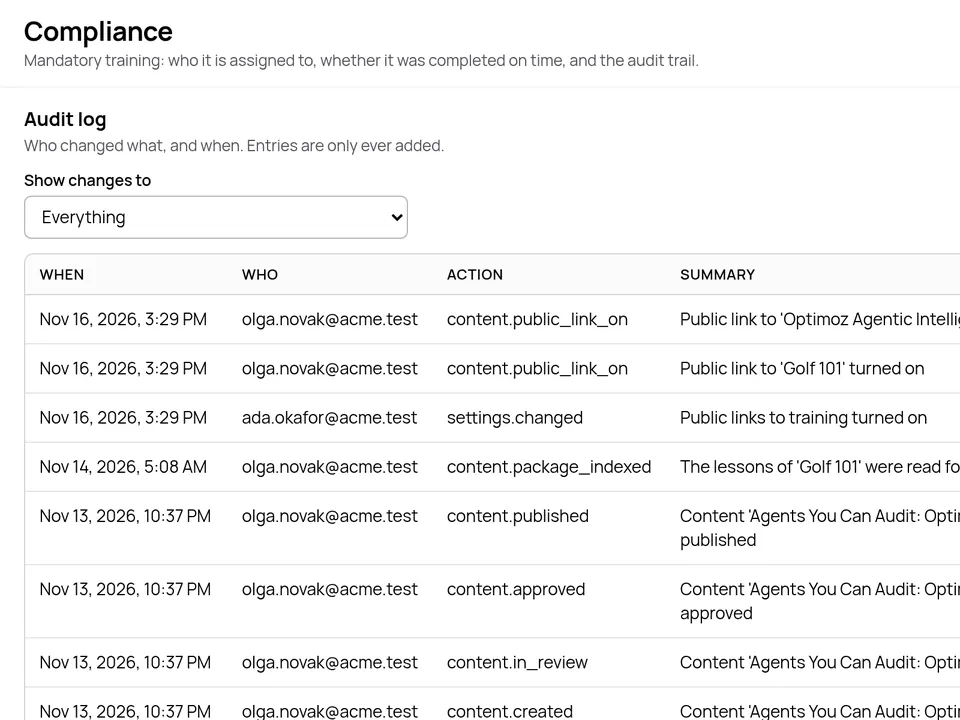
Compliance and L&D
Mandatory assignments, attestations, audit log and analytics.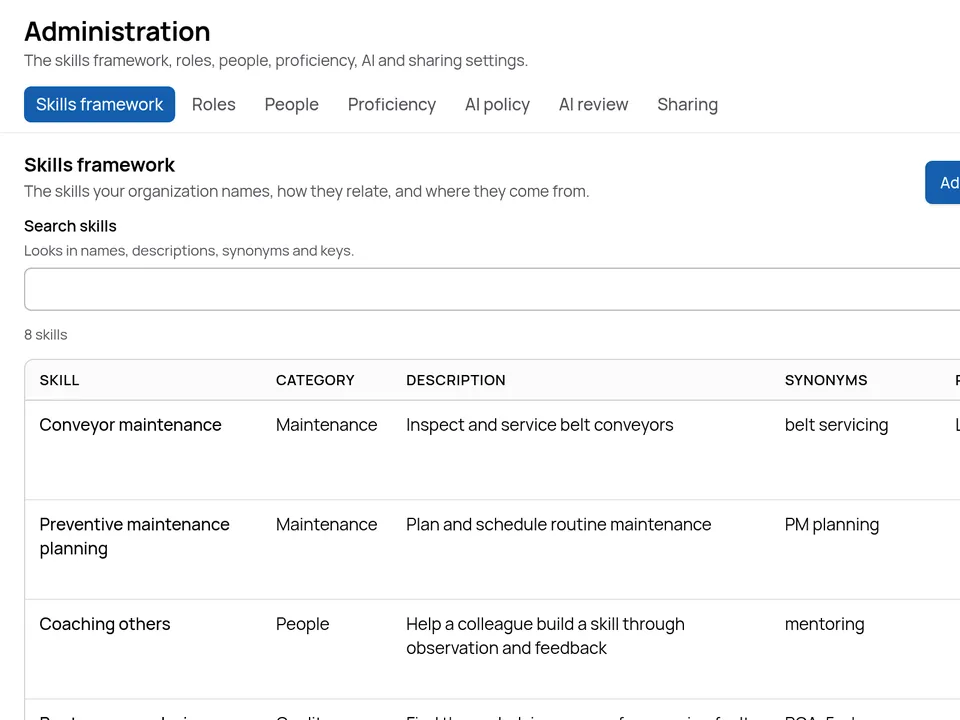
Administrators
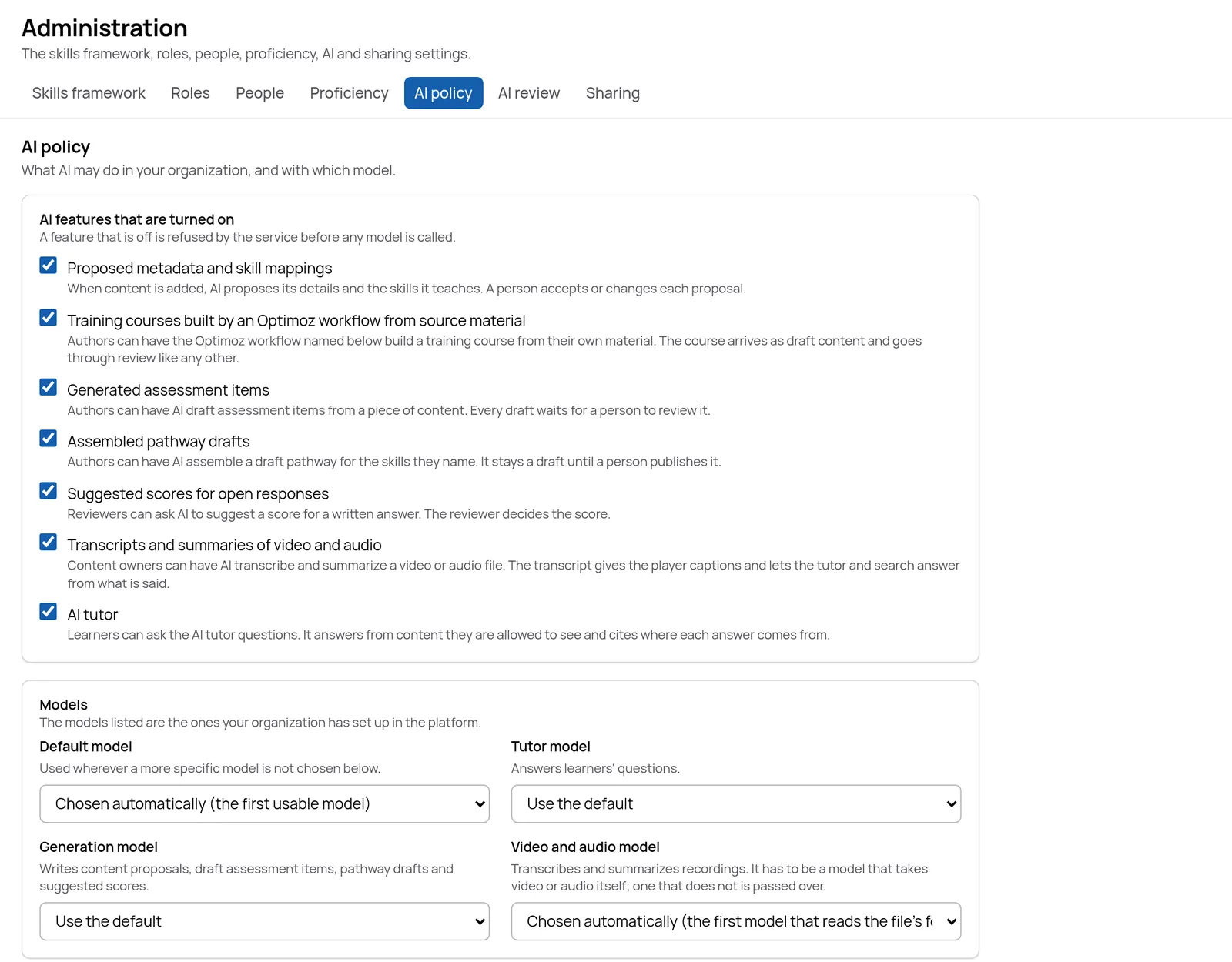
Skills framework, roles, proficiency, AI policy and sharing.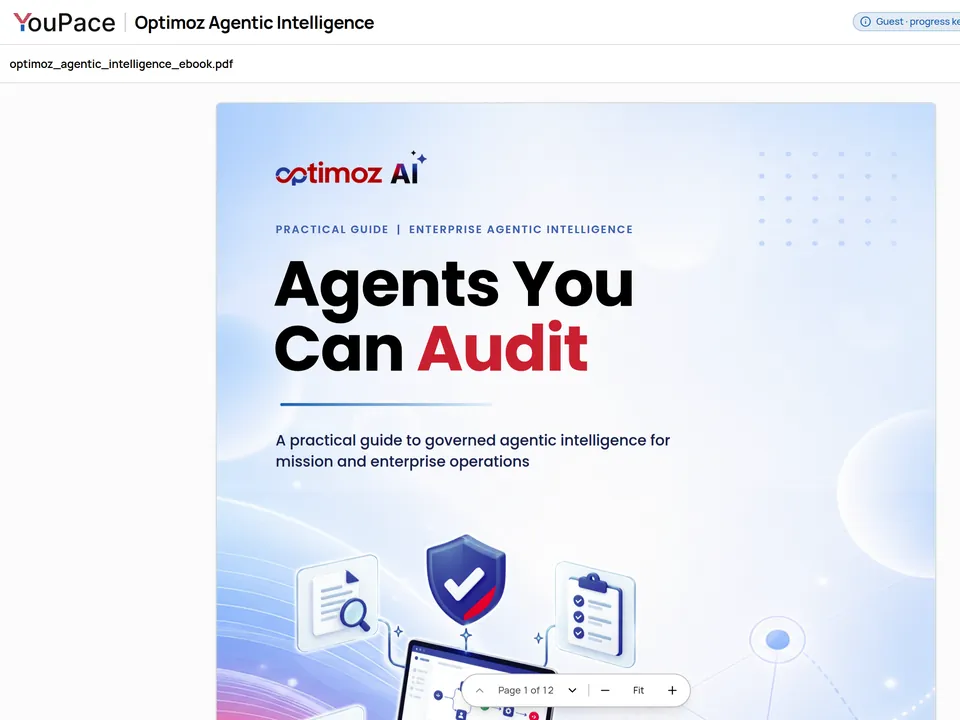
Guests
One training by public link. No account needed.
Share it. No account needed.
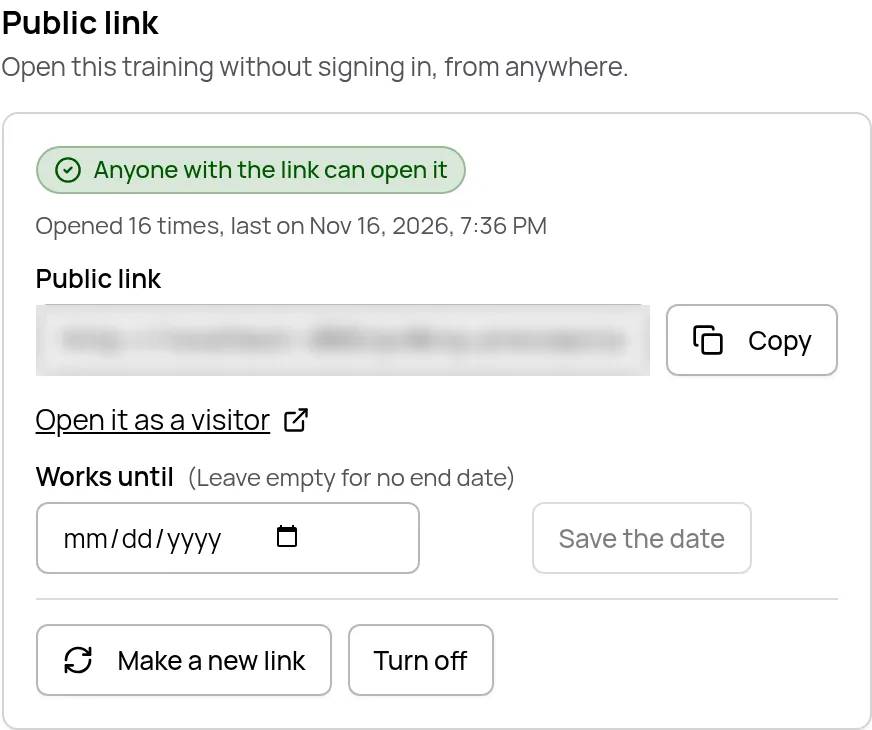
Turn on a public link for a published training whose rights permit display, and anyone can open it: contractors, partners or the public.
- Off until an administrator allows it
- An end date for any link, if you want one
- Guest progress stays in the guest’s browser
- Turn sharing off, and every link stops
What visitors get
The training itself. No certificate, test, tutor or tracked record.
The platform underneath
Optimoz foundations. From day one.
Sign-in (Optimoz ICAM)
Sign-in and access through Optimoz identity and access management, with five YouPace access policies. People in several organizations switch between them from the account menu.
File storage
Stores every file and scans every upload for viruses. Uploads go straight from the browser.
Search
Reads text from your files, including scans, and finds passages by words and meaning. YouPace decides which files a question may use.
AI models
Handles every model call. Your administrators choose which models YouPace uses.
Each organization’s data stays its own.
A tenant database per organization, and an organization filter on every query.
Can we bring our existing SCORM or cmi5 courses?
Yes. YouPace plays SCORM 1.2, SCORM 2004, cmi5 and Tin Can packages in the browser and keeps bookmarks, status, score and time between visits. It recognizes which a package is from its contents, follows the common SCORM 2004 sequencing rules, and holds cmi5 lessons to cmi5’s rules.
Does the AI tutor make things up?
It answers only from passages it retrieved from content that is published, meant for that learner and cleared for AI indexing, and it cites each one. Citations it cannot back are removed. When it finds no support, it says so, and the question becomes a content gap for your authors. It can still misread a passage, which is why every answer shows its sources and learners can flag a reply.
Can managers read their team’s tutor conversations?
No. No role can read someone else’s conversations. Managers see their reports’ skills and the evidence behind them.
Can people outside our organization take a training?
Yes, through a public link, if your administrator allows them. Visitors need no account. They get the training itself, without a certificate, test, tutor or tracked record.
Is there a mobile app?
YouPace runs in the browser and is designed for desktop and phone-width screens. There is no native app or offline mode.
Is YouPace Section 508 compliant?
YouPace is designed and built to WCAG 2.2 AA and Section 508 rules. It has not yet been independently audited, and there is no VPAT yet. Read our accessibility statement.
Who is behind YouPace?
Optimoz, Inc., of Rockville, Maryland. YouPace is a service of Optimoz and runs on the Optimoz platform.
Put your training to work. See YouPace live.
Tell us what your people need to learn, and the Optimoz team will walk you through YouPace.